This article may contain affiliate links. If you buy through them we may earn a commission at no extra cost to you.
For $200–$500, you can cover every entry point in a two-bedroom home with sensors, add at least one 1080p camera, and get real-time phone alerts—without a monthly fee. The five systems below do exactly that. Where they differ is in how many sensors ship in the starter kit, whether cameras are included, and what professional monitoring costs if you want it.
What defines a budget smart home security system
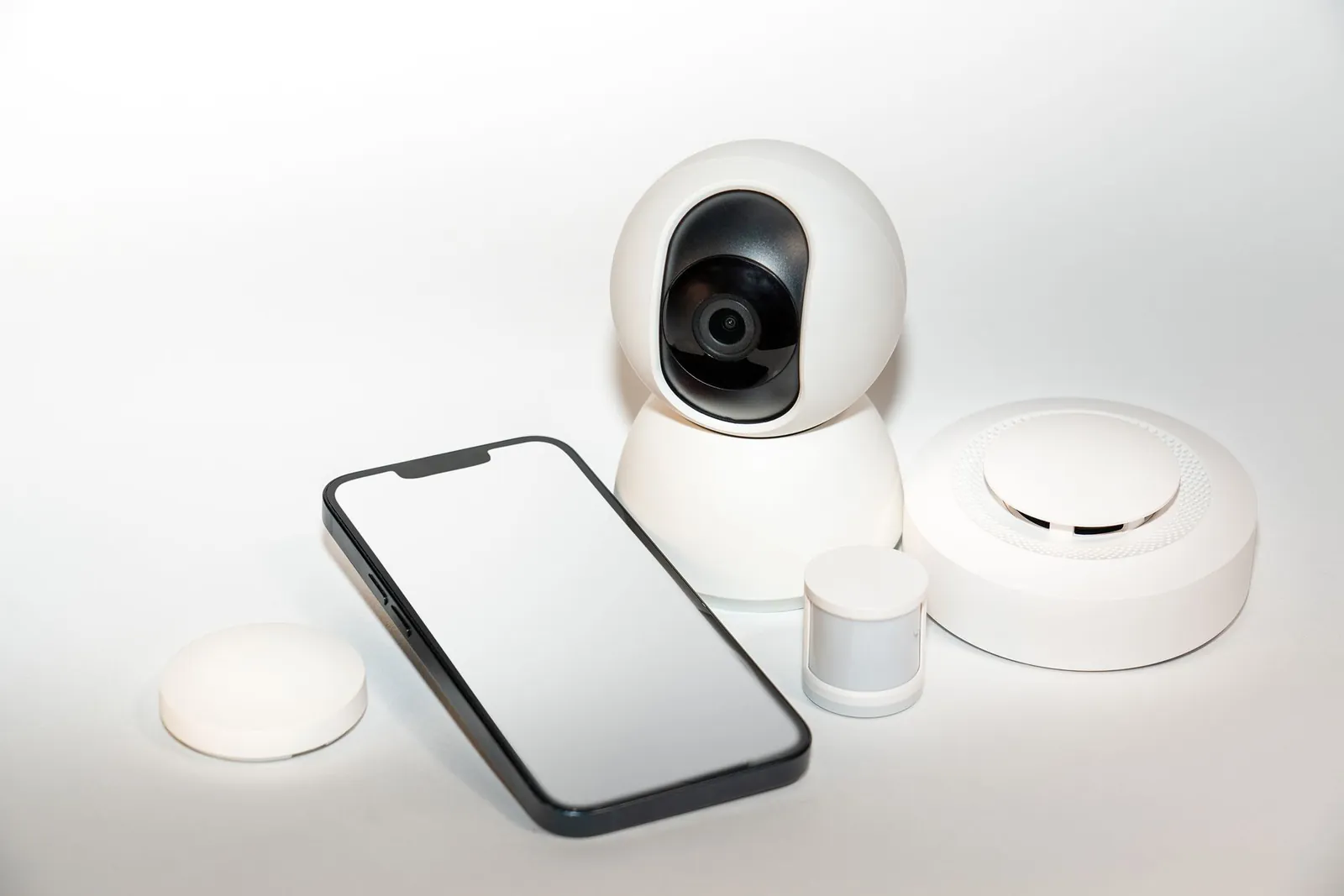
Starter kits in this range typically include a hub, 2–4 door/window sensors, one motion sensor, and sometimes one camera. You’re giving up camera count (1–2 vs. 4–6 in premium kits), resolution (1080p instead of 2K), and tamper-detection hardware. What you keep: real-time alerts, cloud storage, and enough coverage for a standard apartment or small house.
The structural advantage of budget systems is that they’re wireless and DIY-installed. Professional installation runs $300–$800 and is simply not available at this price point—which also means no long-term contracts. If you rent, that matters as much as the hardware cost.
Wired vs. wireless for budget setups
Wired systems require cable runs through walls—work that requires either an electrician or significant renovation time, and costs that would exceed your entire hardware budget before you’ve bought a single sensor. At $200–$500, every system on the market is wireless.
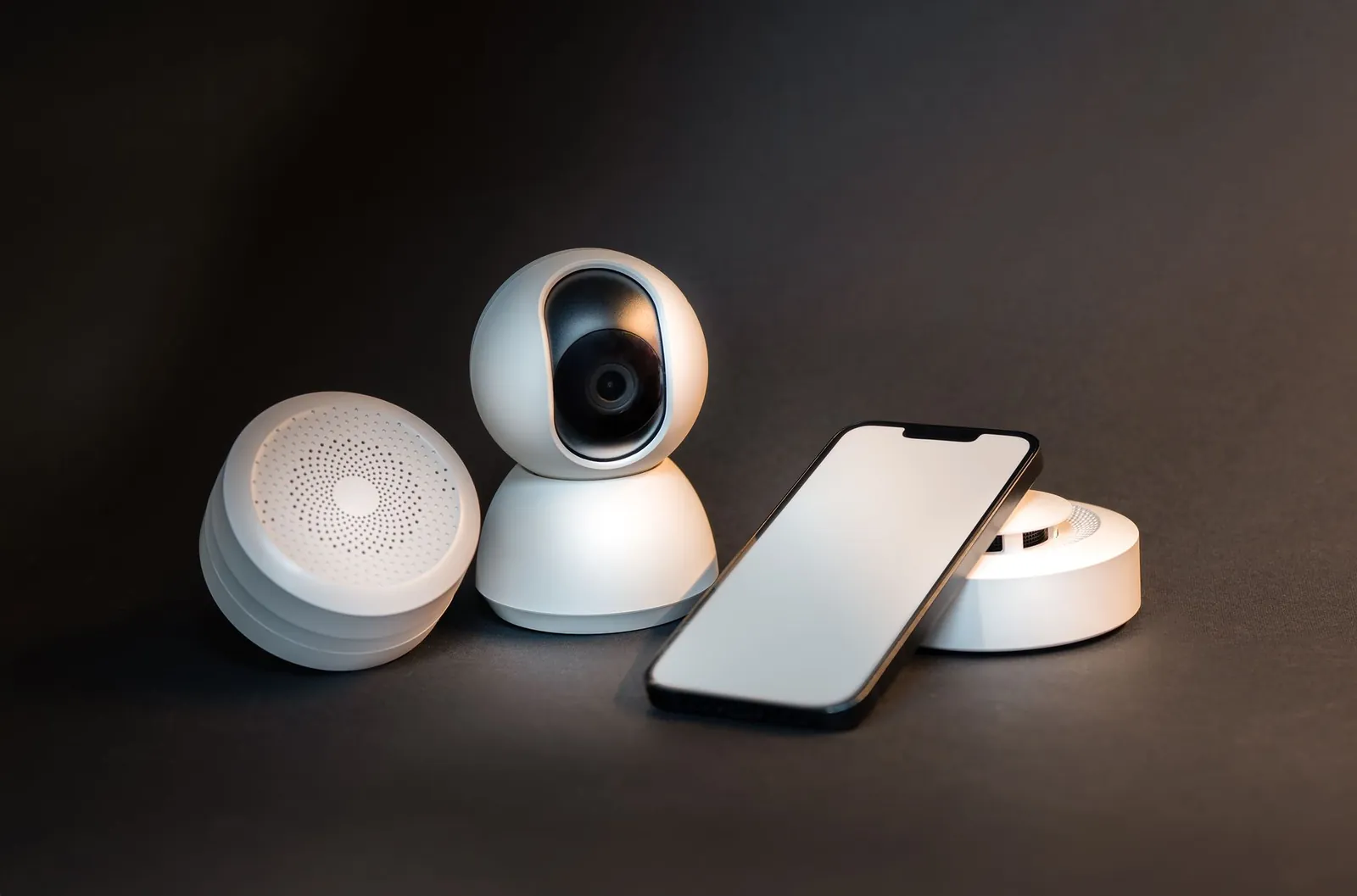
Wireless sensors communicate over Wi-Fi or proprietary radio (Z-Wave, Zigbee), run on batteries lasting 1–3 years, and introduce 1–3 seconds of latency versus near-instant response from wired systems. That delay is rarely consequential for home use. The real dependency is your router: sensors placed more than 30–50 feet from the hub, or behind thick concrete walls, may drop connection. For more on this trade-off, see our guide to wired vs. wireless security systems.
Core components and what to expect
Hub or base station
The hub connects your sensors to the internet and runs the local siren. Budget hubs include a built-in alarm (70–90 dB, loud enough to be heard two rooms away), a backup battery covering 4–24 hours during power outages, and app-only or touchscreen control. Standalone hub cost: $50–$150.
Door and window sensors
Magnetic contact sensors ship 2–4 per starter kit. They draw almost no power and last 1–3 years on a CR2032 battery. At this price, expect basic plastic housings with no tamper detection—meaning someone could remove the sensor without triggering an alert.
Motion sensors
Passive infrared (PIR) sensors detect heat movement within 20–30 feet. The practical limitation: they cannot distinguish a person from a dog over roughly 40–50 pounds. Most budget systems offer a “pet-immune” sensitivity mode, but it works by reducing the detection angle, not by identifying species—so a large dog moving at counter height may still trigger an alert.
Cameras
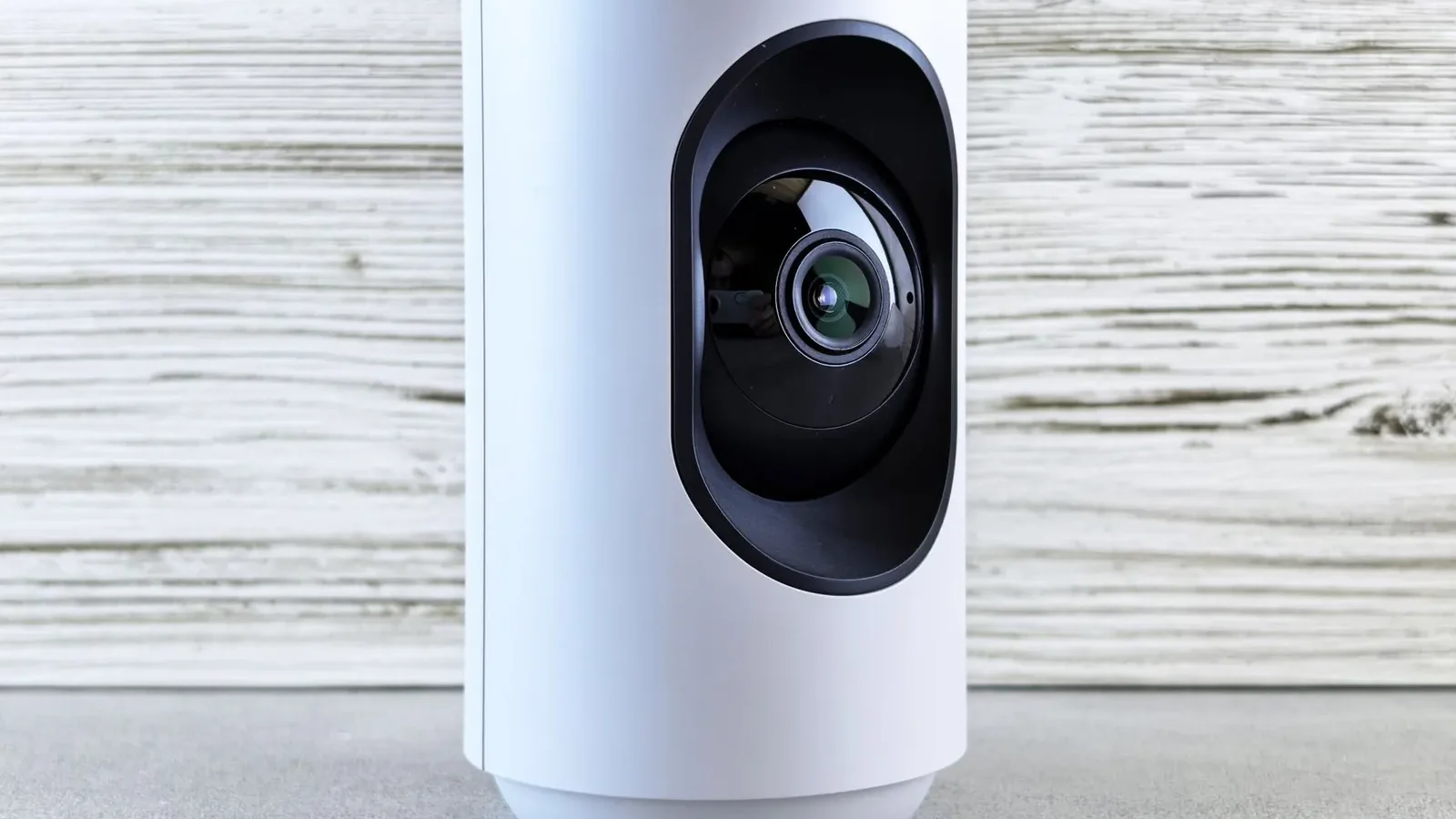
Budget kits ship with 0–2 cameras at 1080p (1920×1080). That resolution identifies faces clearly at 6–10 feet in daylight; night vision footage is functional but grainy beyond 15 feet. Cloud storage at this tier covers 7–30 days free, with extended retention running $3–$8 per month.
Comparing five budget systems
| System | Starter Kit Price | Cameras (1080p) | Sensors Included | Monthly Cost | Cloud Storage |
|---|---|---|---|---|---|
| Wyze Home Security | $199 | 1 | 2 door/window, 1 motion | $0–$10 | 14 days free; $2.99/mo for 30 days |
| Ring Alarm (Gen 2) | $199 | 0 (sold separately) | 1 keypad, 2 door/window, 1 motion | $0–$10 | Video requires Ring Protect ($4.99/mo) |
| SimpliSafe Standard | $299 | 1 | 3 door/window, 1 motion | $15–$29 | 30 days included; professional monitoring available |
| Abode iota | $279 | 0 (optional) | 2 door/window, 1 motion, 1 keypad | $0–$30 | Cloud storage optional; local storage included |
| Blink Mini + XT2 | $299 | 2 | 1 sync module (hub) | $0–$10 | 7 days free; $3/mo for 30 days |
Our verdict
Wyze and Ring Alarm both start at $199, but Ring ships no camera—add a Ring Indoor Cam ($60) and you’re at $259 before tax. SimpliSafe Standard bundles more sensors and includes a path to professional monitoring without buying add-ons, making it the most complete out-of-box option at $299. Blink Mini + XT2 prioritizes two cameras over sensor count, which suits apartments where one entry point matters more than broad coverage. Abode iota is the only system here with local storage included, which matters if you want footage that survives an internet outage.
Professional monitoring vs. self-monitoring
Self-monitoring is free or up to $10/month: you receive a phone alert, assess the situation, and call 911 yourself. Professional monitoring ($15–$30/month) routes your alarm to a dispatch center that contacts you first, then sends police if you don’t respond—useful when you’re asleep, traveling, or in an area with slow emergency response.
At $15–$30/month, professional monitoring adds $180–$360 per year. Whether that cost is justified depends on two factors: how often you’re away from home, and your local police response time. In dense urban areas where response averages 7–11 minutes, a monitored system that dispatches immediately has a measurable advantage. In low-crime suburban areas, smartphone alerts are usually sufficient.
Budget systems work best when you layer coverage: sensors on every entry point, one camera in your main living area, and motion detection in the highest-traffic interior zone.
Setup and integration
Every system in the table above installs without professional help. Sensors mount with adhesive strips or two screws; the hub plugs into an outlet. Budget for 30–60 minutes on first setup, longer if you’re adding cameras to a system that doesn’t include them.
Smart home integration varies significantly. Wyze and Abode offer Alexa and Google Home compatibility. Ring integrates tightly with Alexa (Amazon owns Ring) but has limited Google Home support. SimpliSafe added Alexa voice control in 2022 but still lacks native Google Home integration. If you’re building toward broader automation—smart locks, lighting, thermostats—verify compatibility with your existing ecosystem before buying. Our smart home automation setup guide covers platform compatibility in detail.
Hidden costs to watch for
- Cloud storage upgrades: Free tiers cover 7–30 days. Extending to 60 days costs $3–$10/month depending on the platform.
- Professional monitoring: $15–$30/month; $180–$360 annually.
- Expansion hardware: Additional door/window sensors run $15–$25 each; cameras $50–$150 each. Covering a four-bedroom house with six sensors and three cameras adds $250–$600 to your starter kit cost.
- Battery replacement: Door sensors use CR2032 or AA batteries ($1–$5 each) and need replacement every 1–3 years. Motion sensors drain faster—plan for 6–18 months in active areas.
- Subscription cancellation: Most budget systems have no early termination fee, but confirm this in writing before activating monitoring.
Frequently asked questions
Do budget security systems work without internet?
Partially. The hub triggers a local siren and logs events internally, but mobile alerts and remote footage access both require an active internet connection. If your router goes down, you lose visibility—though the siren still fires locally. A backup cellular connection (available on some SimpliSafe and Abode plans) solves this at additional cost.
Can I add cameras and sensors to a budget system later?
Yes. Every system in the table is modular. Additional sensors cost $15–$30 each; cameras run $50–$150. The constraint is brand lock-in: Ring sensors only work with Ring hubs, Wyze sensors only with Wyze hubs. Abode is the exception—it supports Z-Wave and Zigbee devices from third-party brands.
What’s the difference between 1080p and 2K cameras for security?
1080p (1920×1080) identifies faces clearly at 6–10 feet in good light. 2K (2560×1440) captures finer detail—readable license plates at 20–25 feet, for example—and performs better in low light. The cost difference is $100–$200 per camera. For covering a front door or hallway, 1080p is sufficient. For a driveway or wide exterior zone, 2K is worth the upgrade.
How long do smart home security system batteries last?
Door and window sensors: 1–3 years on CR2032 or AA batteries. Motion sensors: 6–18 months, depending on how frequently they trigger. Hub backup batteries: 4–24 hours during a power outage. High-traffic sensor locations—a front door opened 20 times a day versus a rarely used side entrance—drain batteries at meaningfully different rates.
Is a budget system enough for an apartment or rental?
Yes, and wireless DIY systems are better suited to rentals than any wired alternative. Adhesive mounts leave no permanent marks; the hardware moves with you. Check your lease for restrictions on exterior cameras or cameras in shared hallways before mounting anything outside your unit.

Dev has benchmarked laptops and phones for a decade and still reads the changelog before updating.


