Laptops & Computing
How to Upgrade Laptop RAM: Step-by-Step Guide
You can upgrade laptop RAM yourself in 20–40 minutes if your model allows it—and the right 16 GB module costs $50–80. Here's exactly how.
Laptops
You can upgrade laptop RAM yourself in 20–40 minutes if your model allows it—and the right 16 GB module costs $50–80. Here's exactly how.
Thunderbolt 3 delivers 40 Gbps through the same connector as USB-C, which tops out at 20 Gbps. The ports look identical—here's how to tell them apart and when the difference actually matters.
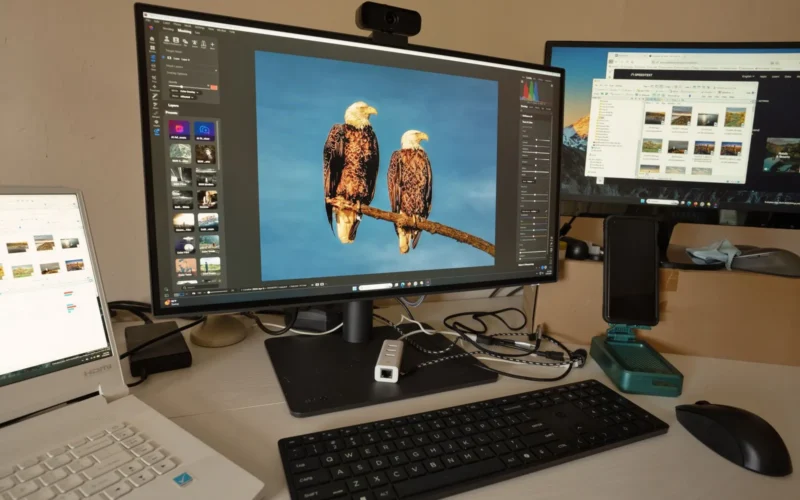
Creative work demands specific hardware. Here's how to choose and which laptops deliver.
The right USB-C hub depends on your MacBook's wattage needs and whether you use Thunderbolt storage. Here are four tested options from $45 to $400, with a clear match for each workflow.
Your laptop has two ports; your desk needs six. Here's how to match a USB-C hub to your actual workflow without overpaying or creating bottlenecks.
Programming laptops need fast CPUs, ample RAM, and responsive storage. Here's what specs matter and which machines deliver.
Windows dominates price and software variety; Mac leads in build quality and ecosystem integration. Your choice depends on budget, workflow, and repair priorities.
For under $1500, the Lenovo IdeaPad Pro 5 handles 1080p editing at $949 and the ASUS TUF A16 adds a dedicated GPU for 4K at $1299. Here's how each model performs and where each cuts corners.
A full drive, runaway startup programs, and 4 GB of RAM slow old laptops more than age itself. Here's how to fix each problem, in order of impact.
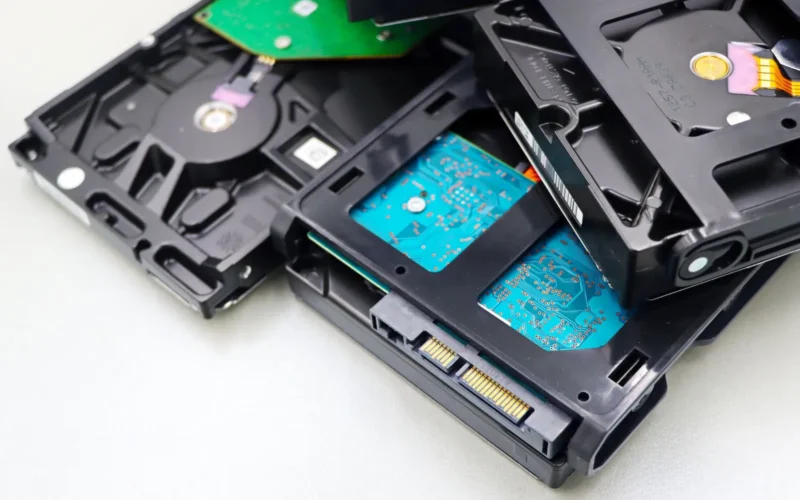
An SSD boots Windows in 10–15 seconds; an HDD takes 30–60. HDDs cost roughly half as much per gigabyte at 1 TB. Here's how to decide which trade-off fits your use.