
This article may contain affiliate links. If you buy through them we may earn a commission at no extra cost to you.
For most people, 16 GB of RAM is the right answer. It handles everyday multitasking, professional photo editing, light video work, and software development without hitting limits. Drop to 8 GB only if your budget is tight and you rarely run more than a handful of apps at once. Step up to 32 GB if you edit 4K video, run virtual machines, or work with large datasets regularly.
Why RAM capacity determines multitasking performance
RAM is your laptop’s active workspace. Every open application claims a slice of it, and when that space runs out, your laptop starts using the SSD as overflow—a process called swapping. Even a fast NVMe drive is roughly 10–50× slower than RAM for this purpose, which is why a maxed-out 8 GB machine feels sluggish while a 16 GB machine running the same apps stays responsive.
Windows 11 consumes 2.5–3.5 GB at idle before you open a single app. macOS takes 2–3 GB; a lean Linux desktop uses 1–2 GB. That baseline matters when evaluating whether a given RAM tier actually leaves you enough headroom to work.
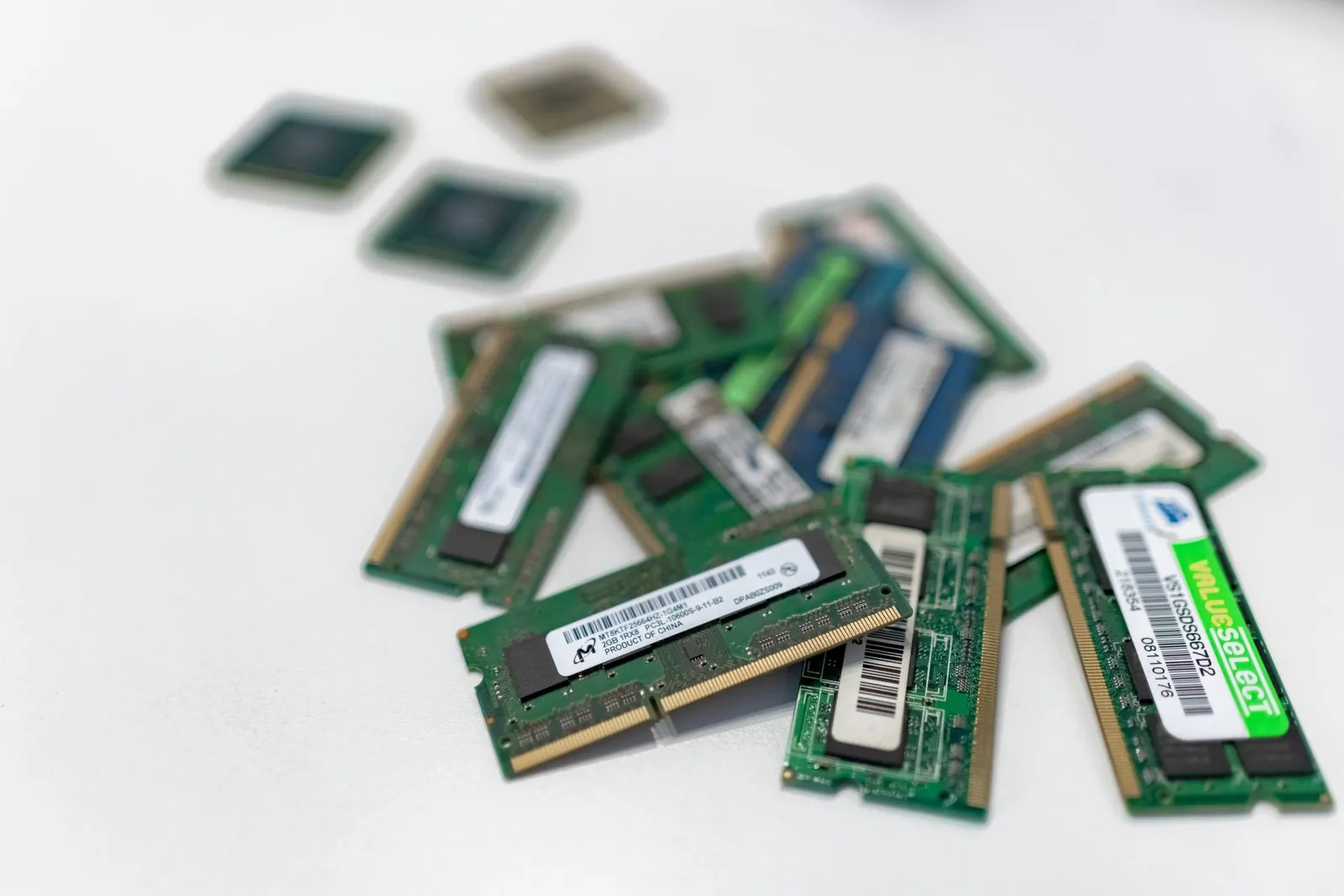
8 GB: workable, with real limits
On Windows 11, 8 GB leaves you roughly 5–6 GB for applications after the OS loads. That’s enough for:
- Web browsing with 5–10 tabs (Chrome uses 150–300 MB per tab; Edge and Safari run 80–150 MB)
- Email, messaging, and video calls
- Word processing and spreadsheets
- Light photo editing in Lightroom or basic Photoshop work
The constraint appears when tasks stack up. Photoshop open alongside 15 browser tabs and a Zoom call will push an 8 GB system into swap. On an SSD that means noticeable pauses; on a mechanical drive it’s genuinely painful. If you’re buying a laptop with soldered RAM—which includes most MacBooks and thin ultrabooks—8 GB is a permanent ceiling, not a starting point.
When 8 GB becomes a problem
Expect stuttering when you combine a memory-heavy browser session with any creative application. Streaming video while editing a spreadsheet and keeping Slack open in the background is enough to trigger disk swapping on 8 GB. It’s not that the tasks are impossible—it’s that the system has to constantly shuffle data in and out of storage instead of keeping everything in fast memory.
16 GB: the practical baseline for 2026
16 GB removes the ceiling for typical professional workflows. You get enough headroom to run a video call, a browser with 30+ tabs, a code editor, and a database tool simultaneously without watching the system slow down. Adobe Lightroom with a full catalog open uses 3–5 GB on its own; add Chrome and Slack and you’re still well within budget.
16 GB RAM eliminates the frustration of slowdowns during normal work without paying for capacity you won’t use.
This is why Apple chose 16 GB as the base configuration for the M3 MacBook Air, and why most business-class Windows laptops ship with it by default. For software developers, 16 GB comfortably runs an IDE, a Docker container or two, and a local database—though compiling very large projects benefits from more.
32 GB: justified for specific workloads
The step to 32 GB pays off in measurable ways for a defined set of tasks:
- 4K video editing: Adobe Premiere Pro lists 16 GB as its minimum but recommends 32 GB for 4K projects. The difference shows in timeline scrubbing speed and export times, not just whether the edit loads.
- 3D rendering and CAD: Blender, AutoCAD, and Cinema 4D load geometry and textures into RAM. Complex scenes that exceed 16 GB will stall on a 16 GB machine mid-render.
- Multiple virtual machines: Each VM needs its own RAM allocation—typically 2–4 GB minimum per instance. Running three simultaneously on 16 GB leaves little room for the host OS.
- Large dataset analysis: Pandas or R loading a 12 GB CSV will consume most of a 16 GB system before any processing begins.
- Professional audio production: Sessions with 50+ sample-based instrument tracks can exceed 16 GB depending on sample library size.
For everything else—including most gaming—32 GB is excess capacity you’ll rarely touch.

64 GB and beyond
Consumer laptops with 64 GB RAM exist but serve narrow purposes: local machine learning model training, server-side development with many concurrent containers, or working with datasets larger than 32 GB. If your workload doesn’t specifically require it, the price premium isn’t justified.
RAM speed and type: less important than capacity
Once you have enough RAM, clock speed has minimal real-world impact on multitasking. The jump from DDR4 at 3200 MHz to DDR5 at 4800 MHz produces benchmark gains that rarely translate to visible workflow improvements for office or creative work. Capacity solves the problem that actually slows you down.
The more important spec to check is whether the RAM is upgradeable. Most MacBooks, many ultrabooks, and some mid-range Windows laptops solder RAM to the motherboard. If you’re considering an 8 GB model of a laptop with soldered memory, factor in that you cannot fix it later—buying 16 GB upfront is cheaper than replacing the machine in two years.
Gaming: RAM is rarely the bottleneck
Esports titles like Valorant and CS2 run comfortably on 8 GB. Most AAA games released in 2026–2026 perform better with 16 GB—not because they use it all, but because 16 GB prevents RAM exhaustion when Discord, a browser, and a game launcher are running alongside. Going from 8 GB to 16 GB can eliminate microstutters caused by swapping; going from 16 GB to 32 GB for gaming alone produces no measurable frame-rate improvement.
RAM by use case: quick reference
| Use case | Minimum | Recommended |
|---|---|---|
| Web browsing, email, documents | 8 GB | 8 GB |
| General multitasking, video calls | 8 GB | 16 GB |
| Photo editing, light development | 16 GB | 16 GB |
| Gaming (with background apps) | 16 GB | 16 GB |
| 4K video editing | 16 GB | 32 GB |
| 3D rendering, CAD | 16 GB | 32 GB |
| Multiple VMs, large datasets | 32 GB | 32–64 GB |
Frequently asked questions
Can I upgrade RAM after buying a laptop?
Sometimes. Business-class laptops and most gaming laptops still offer accessible RAM slots. Ultrabooks and all Apple Silicon MacBooks have soldered RAM that cannot be replaced or expanded. Before buying, search your specific model name alongside “RAM upgrade” or check the manufacturer’s service manual—this one spec can determine whether your laptop ages gracefully or becomes obsolete.
Is 16 GB enough for video editing?
It depends on resolution and codec. 16 GB handles 1080p editing comfortably and can manage 4K at lower bitrates in H.264. For professional 4K work with complex effects or color grading, 32 GB is noticeably faster—the difference shows in timeline responsiveness and render times, not whether the task completes.
Does more RAM improve gaming performance?
Not directly. Most games use 4–8 GB of RAM; the GPU is the primary gaming bottleneck. However, 16 GB prevents stuttering when you’re running Discord, a browser, and a game launcher alongside the game itself. Moving from 8 GB to 16 GB can eliminate microstutters from RAM exhaustion; moving from 16 GB to 32 GB for gaming alone produces no measurable frame-rate gain.
Should I buy 16 GB now or wait for prices to drop?
16 GB laptop RAM modules have held steady at roughly $40–70 for standalone upgrades, and laptop configurations with 16 GB have become standard at mainstream price points. There’s no near-term price catalyst that would make waiting worthwhile if you need the performance now.
What’s the real difference between 16 GB and 32 GB day-to-day?
For browsing, email, documents, and light editing, there’s no perceptible difference. For 4K video editing, 3D rendering, or running several virtual machines, 32 GB eliminates the slowdowns that 16 GB hits when RAM fills up. If your work doesn’t include those specific tasks, 16 GB covers the workload and 32 GB adds cost without benefit.

Dev has benchmarked laptops and phones for a decade and still reads the changelog before updating.


