This article may contain affiliate links. If you buy through them we may earn a commission at no extra cost to you.
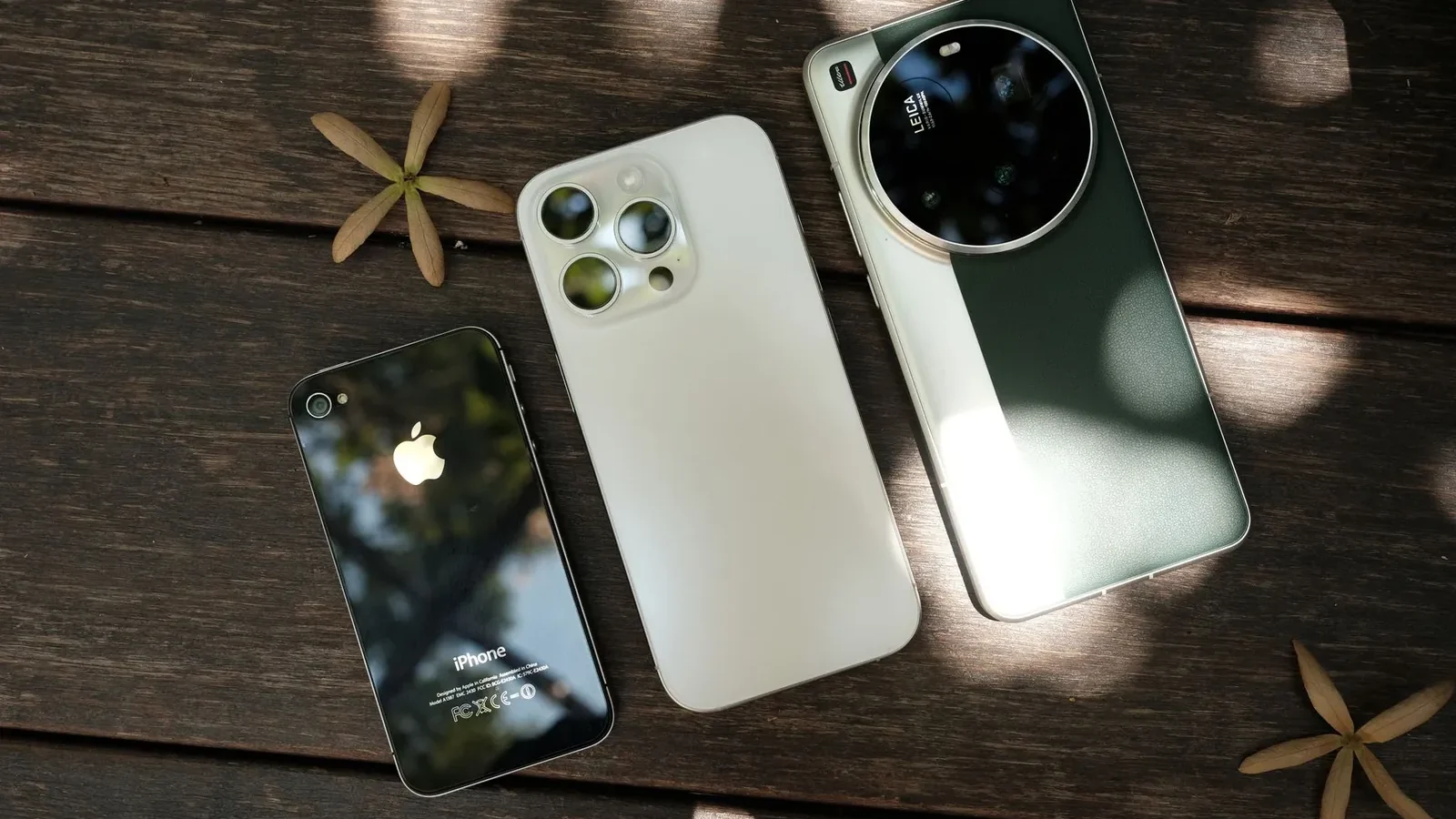
If you already own a Mac, iPad, or Apple Watch, iPhone is the straightforward answer—the integration alone justifies the premium. If you want a capable phone for under $300, or you want to configure how your OS behaves at a system level, Android wins by default. Neither platform has a meaningful edge on raw performance or camera quality at the flagship tier; the differences that matter are price range, software longevity, and ecosystem lock-in.
Price Range and Value
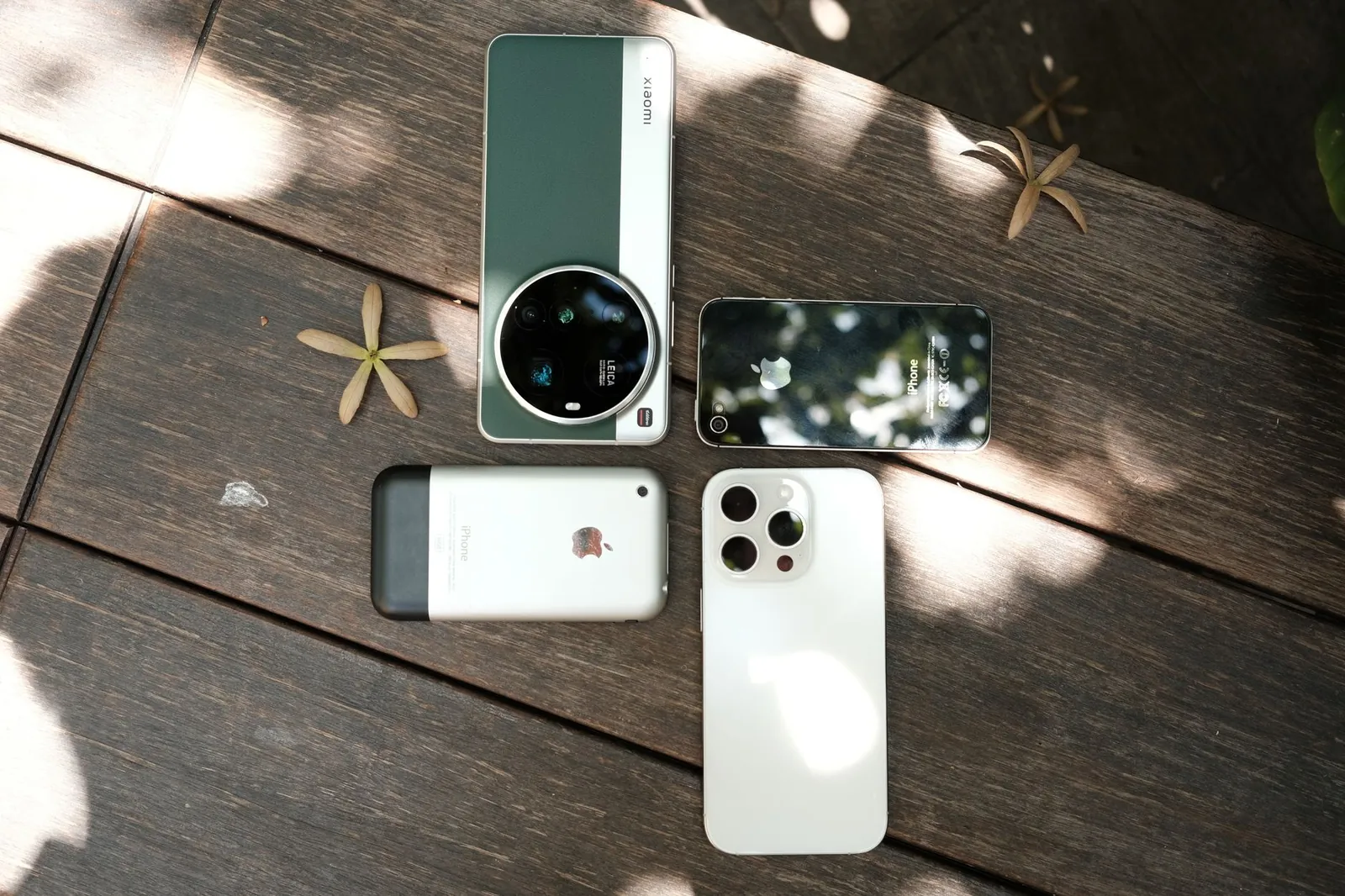
iPhone prices start at $429 for the iPhone 15 base model and reach $1,199 for the Pro Max. Apple controls both hardware and pricing, so options cluster around three tiers with little room between them.
Android spans $100 to $1,400+. The Samsung Galaxy S24 Ultra costs $1,299. More usefully, phones in the $150–$300 range—Motorola Moto G Power, Google Pixel 7a on sale—handle calls, messaging, photography, and streaming without meaningful compromise. That range matters if you replace phones frequently, buy for a family member, or want a dedicated travel device.
Resale value favors iPhone. A two-year-old iPhone 13 typically sells for 50–60% of its original price; an equivalent Android flagship drops to 35–45%. If you upgrade every three years and sell your old device, iPhone’s residual value partially offsets its higher upfront cost.
Customization and Control
Home screen and interface
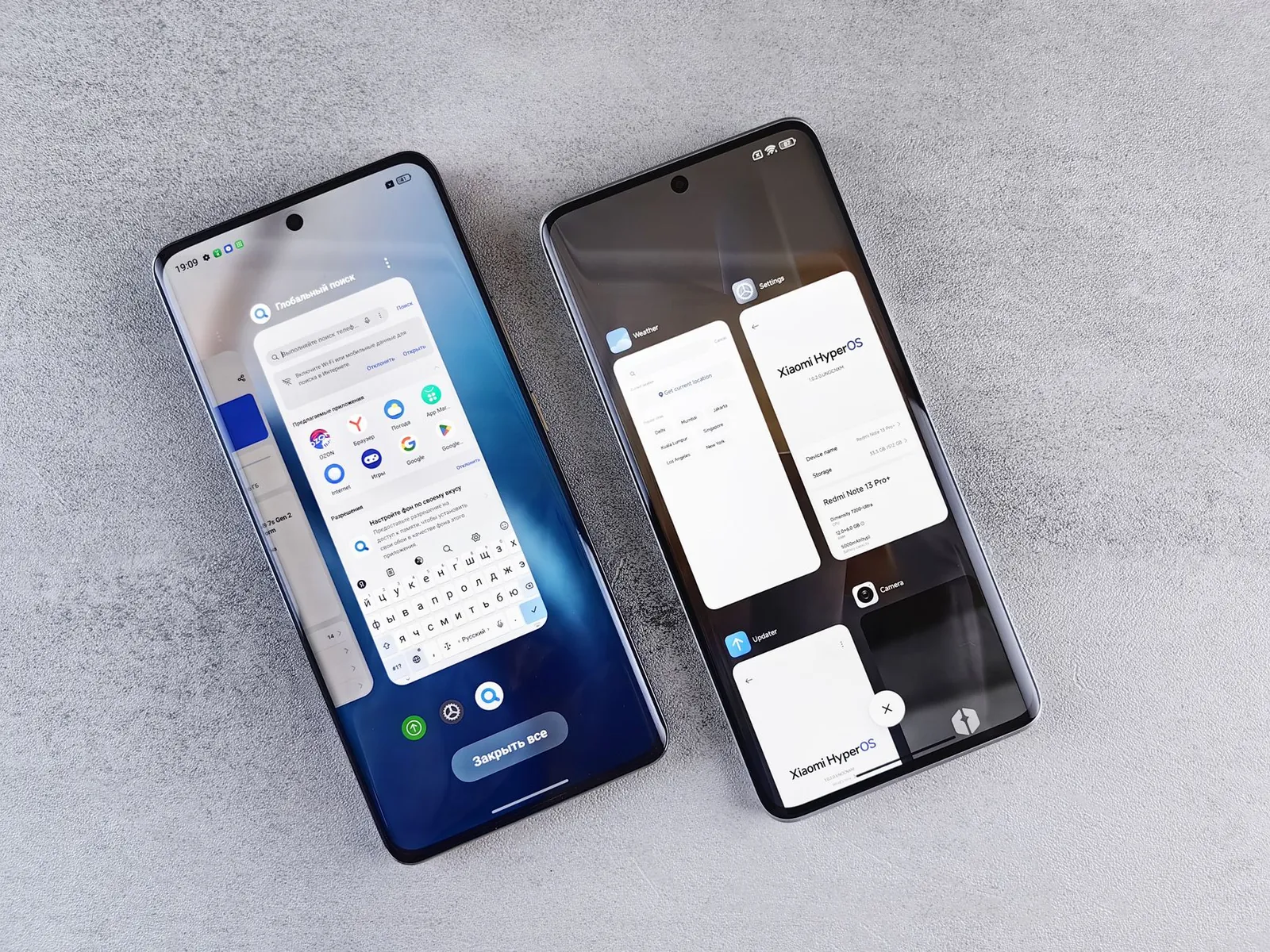
On iPhone, you arrange app icons in a grid, set a wallpaper, and add widgets to the lock screen. That’s the ceiling. Apple prioritizes consistency, which means less friction but also less flexibility.
Android lets you install third-party launchers that completely replace the home screen. You can set custom icon packs, gesture controls, non-standard grid sizes, and persistent app drawers—none of which iPhone permits. If you want your phone to behave differently from every other phone of the same model, Android is the only platform that allows it.
System-level changes
Android lets you change default apps for browser, email, messaging, and keyboard system-wide. iOS 16 added this capability for browser and email only—messaging and keyboard defaults remain locked to Apple’s apps.
Android also supports sideloading: installing apps outside the Play Store. iPhone restricts installation to the App Store, with narrow exceptions in the EU under recent regulatory pressure. If you need beta software, apps Apple has rejected, or tools from developers who won’t meet App Store terms, Android is your only option.
Android wins on customization; iPhone wins on simplicity. Choose based on whether you want to configure or just use.
Security and Privacy
iPhone’s security advantage comes from integration: Apple controls the chip, OS, and app store, which limits the vectors available to malware. In practice, iPhone users almost never encounter ransomware or malicious apps.
Android’s openness creates more attack surface. The Play Store screens apps, but sideloading and inconsistent security patch schedules across manufacturers increase risk for users who install from untrusted sources. Stick to the Play Store, keep your phone updated, and Android’s security is solid for most threat models.
The privacy distinction is structural. Apple’s business model doesn’t depend on advertising, so it collects minimal behavioral data and emphasizes on-device processing for features like Siri suggestions and photo recognition. Google’s revenue depends on targeted advertising, so Android and its bundled Google services collect more activity data by default. One caveat: if you use Gmail, Google Maps, or Chrome on an iPhone, Google still collects that data. The OS isn’t the privacy leak—the apps are.
Both platforms encrypt data in transit and at rest, and both let you revoke camera, microphone, and location access per app. iPhone’s App Store privacy labels make it marginally easier to see what data an app requests before you download it.
Ecosystem and Integration
Cross-device continuity
If you own a Mac, iPad, or Apple Watch alongside an iPhone, the integration is genuinely useful: Handoff lets you start an email on your phone and finish it on your Mac; AirDrop transfers files between Apple devices in seconds; Universal Clipboard syncs whatever you copy across devices without any setup. These aren’t marketing features—they change how you work across devices daily.
Android has no platform-wide equivalent. Samsung’s ecosystem works well if every device you own is Samsung, but mixing a Samsung phone with a Google Pixel tablet and a non-Samsung laptop loses most of those features. Cross-brand Android continuity remains fragmented.
App availability and quality
Both the App Store and Google Play host 2+ million apps, and all major social, banking, and productivity apps exist on both platforms. The practical gaps are narrower than they were five years ago, with two exceptions: new apps often launch on iOS first, sometimes by weeks or months, and some professional tools—Final Cut Pro, Logic Pro, specific medical imaging and financial compliance apps—remain iOS-exclusive with no Android equivalent.
Camera and Computational Photography
At the flagship tier, iPhone 16 Pro, Pixel 9 Pro, and Galaxy S24 Ultra all produce professional-grade photos. The difference is processing philosophy, not capability.
- iPhone prioritizes color accuracy and detail retention—output is closer to what your eye actually saw.
- Pixel leans on computational features: Magic Eraser removes unwanted objects, Best Take composites expressions across burst shots, Photo Unblur recovers older images.
- Samsung emphasizes vibrant color and zoom range—the S24 Ultra’s 5x optical telephoto outresolves iPhone’s 5x at equivalent distances in most tests.
Video stabilization, night mode, and frame rate options are comparable across all three. The practical difference matters mainly if you have a specific shooting style or rely on a particular computational feature.
Software Updates and Longevity
iPhone receives major OS updates for 5–6 years. The iPhone 12, released in 2020, runs iOS 18. Security patches arrive monthly across all supported models.
Android support varies significantly by manufacturer:
- Google Pixel 9 series: 7 years of OS and security updates
- Samsung Galaxy S24 series: 4 years of major OS updates, 5 years of security patches
- Mid-range and budget Android: typically 2–3 years of major updates, then security patches only or nothing
If you keep a phone for four or more years, iPhone and current Pixel flagships are the only reliable options. If you upgrade every two to three years, Samsung flagships stay current long enough to matter.
Performance and Battery
iPhone’s A18 Pro chip and Qualcomm’s Snapdragon 8 Gen 3 (used in most 2026 Android flagships) deliver comparable real-world performance—both handle multitasking, gaming, and video editing without lag. iPhone starts at 8GB RAM; Android flagships offer 12–16GB. In daily use, you won’t notice the difference; the gap shows only in sustained workloads like extended video rendering.
Battery life is model-specific, not platform-specific. The iPhone 16 Pro Max exceeds 25 hours of mixed use in Apple’s own testing; the Galaxy S24 Ultra and Pixel 9 Pro XL land in a similar range. Some mid-range Android phones with large 5,000mAh batteries outlast every iPhone. Check reviews for the specific model rather than assuming the OS determines longevity.
Refresh rate is a minor differentiator. Pro iPhones cap at 120Hz; some Android flagships reach 144Hz or 165Hz. Most users don’t perceive a difference between 120Hz and 144Hz during normal scrolling.
Comparison Table
| Factor | iPhone | Android |
|---|---|---|
| Starting Price | $429 | $100–$300 (budget); $800+ (flagship) |
| Customization | Limited | Extensive |
| Default App Selection | Browser, email only | Browser, email, messaging, keyboard |
| Security | Closed ecosystem, fewer vectors | Open ecosystem, higher risk if careless |
| Privacy (OS level) | Minimal data collection | More data collection (Google services) |
| Cross-device Integration | Excellent (with Apple devices) | Limited (varies by brand) |
| Software Updates | 5–6 years | 2–7 years (varies by manufacturer) |
| App Ecosystem | 2M+ apps, iOS-first launches | 2M+ apps, some Android gaps |
| Resale Value | 50–60% after 2 years | 35–45% after 2 years |
Our verdict
Choose iPhone if: You own other Apple devices and want Handoff, AirDrop, and Universal Clipboard to work without configuration. Also the right call if you keep phones for 5+ years, want the simplest possible setup, or use iOS-exclusive professional software. If price is a concern, last-generation models—iPhone 14 at around $599 new, or iPhone 13 refurbished under $400—offer the same ecosystem benefits at a lower entry point.
Choose Android if: You want a capable phone under $300, need system-wide app defaults, want to sideload software, or prefer Google’s services as your primary stack. If budget is your main constraint, check our guide to the best budget Android phones under $300 for specific model recommendations.
Frequently asked questions
Is iPhone more secure than Android?
iPhone’s closed ecosystem reduces malware risk, but both platforms are secure if you follow basic practices: keep software updated, install from official stores, and avoid suspicious links. Android’s higher risk comes from sideloading and fragmented patches, not the OS itself.
Can you switch from iPhone to Android without losing data?
Yes. Google’s Move to Android app transfers contacts, calendar, photos, and messages from iPhone to Android. Some app data doesn’t migrate (apps store settings differently), so you’ll need to reconfigure a few apps, but your core data moves cleanly.
Which phone lasts longer: iPhone or Android?
iPhone typically lasts longer due to 5–6 years of updates and slower performance degradation. Pixel 9 series now matches that with 7-year support. Samsung flagships last 4–5 years. Budget Android phones often drop off after 2–3 years. If you keep phones for 4+ years, iPhone or a current Pixel flagship are the safest bets.
Do I need to buy Apple products if I get an iPhone?
No. iPhone works with any computer, headphones, and charger. Ecosystem benefits—Handoff, AirDrop, Universal Clipboard—require Apple devices, but aren’t mandatory. You’ll lose those specific conveniences without them, but the phone functions normally on its own.
Which has better battery life: iPhone or Android?
It depends on the specific model, not the OS. iPhone 16 Pro Max and Samsung Galaxy S24 Ultra both exceed 24 hours in mixed-use testing. Some mid-range Android phones with 5,000mAh+ batteries outlast both. Check reviews for the exact models you’re considering rather than generalizing by platform.

Lena writes about smart home, audio and the software settings nobody reads the manual for.


