This article may contain affiliate links. If you buy through them we may earn a commission at no extra cost to you.
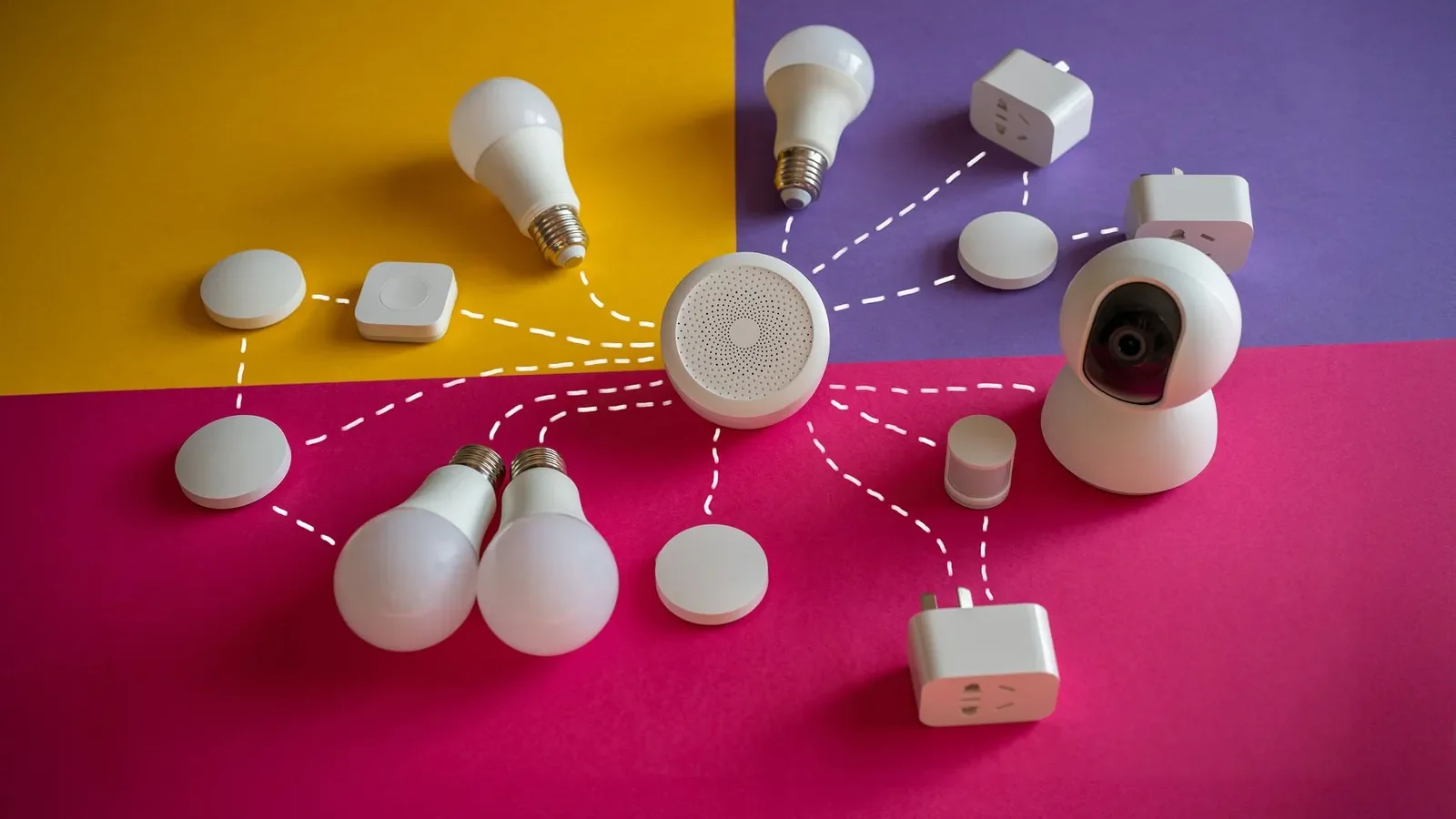
A smart home hub is a physical device that receives commands from apps or voice assistants and translates them into the wireless signals your devices actually understand—Zigbee, Z-Wave, Thread, or Wi-Fi. Without one, devices from different manufacturers typically can’t trigger each other, and automations depend entirely on cloud servers you don’t control.
What a Smart Home Hub Actually Does
A hub performs three functions: it receives commands, evaluates automation logic, and sends instructions to devices. When you say “Alexa, turn on the lights,” the hub receives that input, checks any conditional rules you’ve set—such as “if it’s after sunset, dim to 50%”—and sends the appropriate wireless signal to each light.
Automation rules and device configurations are stored on the hub’s local hardware. That’s why a motion sensor can still trigger your hallway light during a Wi-Fi outage: the hub evaluates the rule against its internal clock and acts without contacting any external server.
Wireless Protocols: How Hubs Talk to Devices
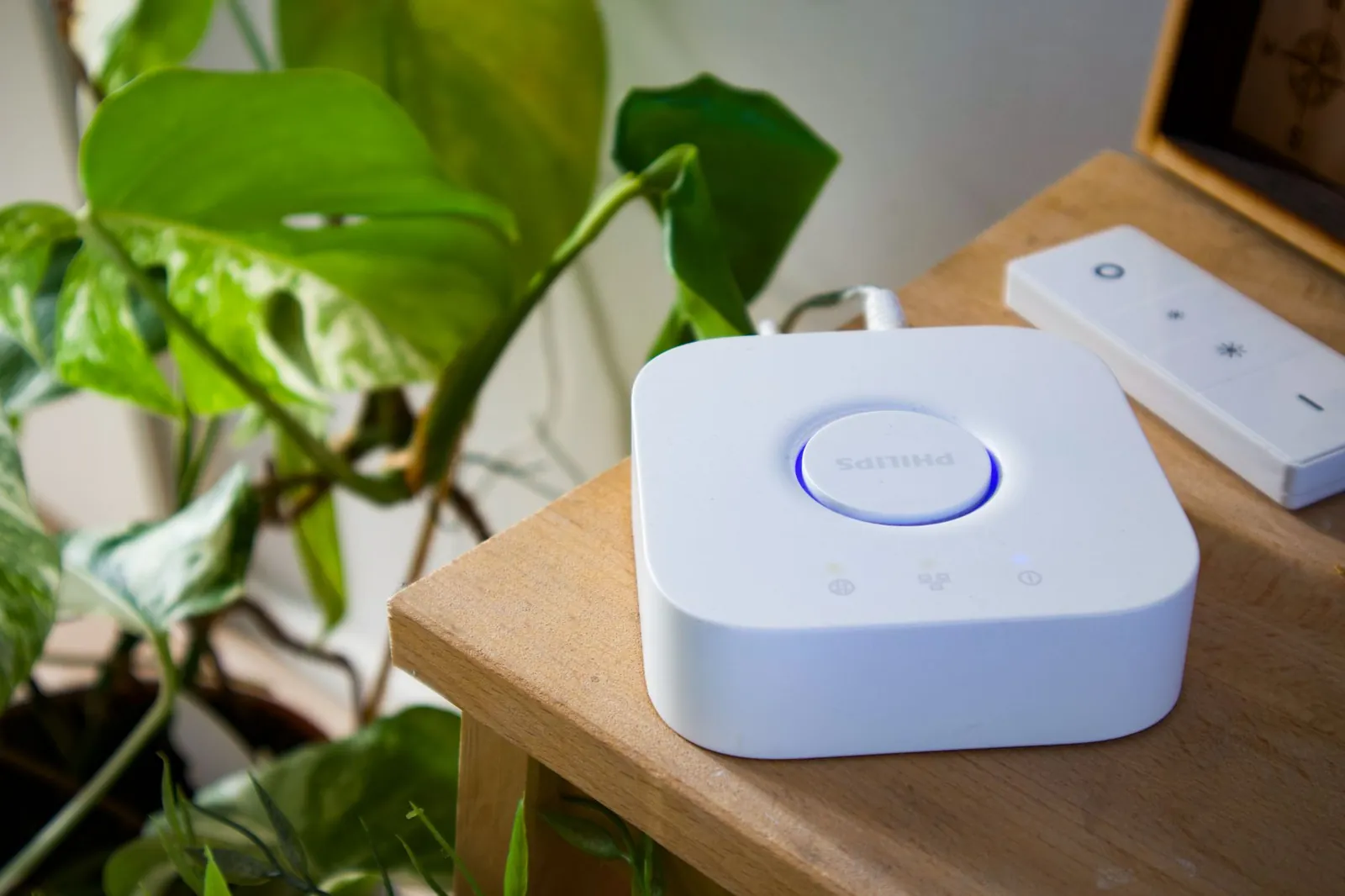
Each protocol makes a different trade-off between power consumption, range, device ecosystem size, and frequency band. The three you’ll encounter most often:
Zigbee
A low-power mesh standard where every mains-powered device also acts as a repeater, passing signals toward the hub in hops of roughly 30–100 meters each. Philips Hue bulbs, IKEA Tradfri sensors, and most budget smart plugs use Zigbee. The ecosystem is the largest of the three, which keeps prices competitive.
Z-Wave
Operates on a dedicated sub-GHz band—908.42 MHz in North America, 868.4 MHz in Europe—which avoids the 2.4 GHz congestion that can slow Zigbee. Z-Wave is the dominant protocol in door locks and security sensors, partly because its certification program enforces interoperability between brands. The device catalog is smaller than Zigbee’s, and hardware tends to cost more.
Thread and Wi-Fi
Thread is a low-power IPv6 mesh standard built into newer Apple HomePod, Google Nest, and Samsung SmartThings hardware. Because Thread devices are addressable on your network directly, they don’t require a proprietary hub radio—any Thread border router works. Direct Wi-Fi devices skip the mesh entirely but draw more power and add load to your router; they suit devices that are always plugged in, like video doorbells.
A hub only controls devices that use its native protocol—a Zigbee hub won’t directly control Z-Wave devices without a separate bridge or a multi-protocol hub like SmartThings.
Local vs. Cloud Processing
Where a hub processes your automation rules determines its reliability, latency, and privacy posture.
Local processing: The hub evaluates rules on its own processor. A door sensor opening triggers a light in under one second, with no data leaving your network. Hubitat Elevation and Home Assistant are designed to run entirely this way.
Cloud processing: The hub forwards every sensor reading to the manufacturer’s servers, which evaluate the rule and send an instruction back. Round-trip latency is typically 2–5 seconds on a good connection; on a congested or failing connection, commands can time out entirely. Your activity log—when motion was detected, when doors opened—is stored on external servers.
Most mainstream hubs use a hybrid approach: simple automations run locally, while voice assistant integration, remote access, and cross-platform features route through the cloud. Knowing which category your critical automations fall into helps you choose the right hub.
Hub Comparison
| Hub | Protocols | Local Processing | Price | Best For |
|---|---|---|---|---|
| Amazon Echo Show 15 | Zigbee, Wi-Fi, Matter | Yes (Matter automations) | $180–250 | Alexa-first households |
| Apple HomePod mini | Thread, Wi-Fi, HomeKit | Yes | $99 | Apple ecosystem, Thread border router |
| Samsung SmartThings Hub | Zigbee, Z-Wave, Wi-Fi, Thread | Yes | $70–100 | Mixed-protocol setups |
| Hubitat Elevation | Zigbee, Z-Wave, Wi-Fi | Yes (no cloud required) | $99–130 | Privacy-focused, complex automations |
| Google Nest Hub Max | Wi-Fi, Thread, Matter | Partial (Google Home app) | $230 | Google ecosystem, display interface |
Our verdict
For mixed Zigbee and Z-Wave device collections, Samsung SmartThings covers the most protocols at the lowest price. Hubitat is the stronger pick if you want zero cloud dependency and are comfortable with a steeper configuration curve. HomePod mini is the lowest-friction option for anyone already in the Apple ecosystem. Alexa users with an Echo device that has a built-in Zigbee radio—the Echo 4th gen or Show 15—may not need a separate hub at all, though dedicated hubs handle more complex rule logic.
How Automations and Scenes Work
You define rules in the hub’s app: “If motion is detected AND it’s after 8 PM, turn on the hallway light at 30%.” The hub stores this rule in local memory. When the motion sensor fires, the hub checks the time against its internal clock and sends the dimming command—no internet required, response under one second.
Scenes bundle multiple device states into a single action. Activating a “Goodnight” scene might lock the front door, turn off all lights, and set the thermostat to 68°F. The hub sends these commands in sequence, typically completing within 1–2 seconds across a healthy Zigbee mesh.
For step-by-step rule configuration, see our Smart Home Automation Setup Guide.
Network Architecture
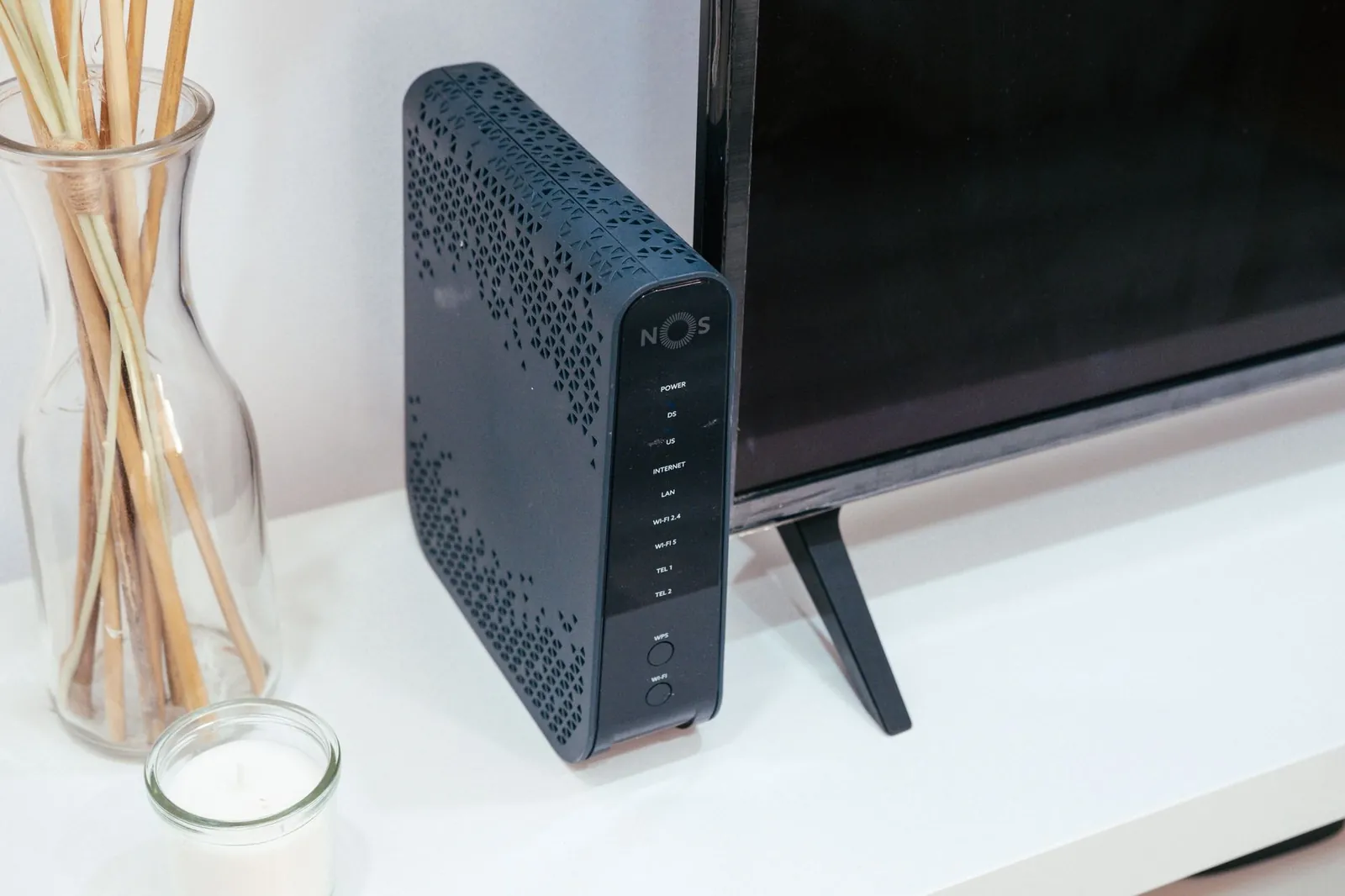
Your hub connects to your Wi-Fi router over Ethernet or Wi-Fi and sits on your home network like any other device. Zigbee and Z-Wave gadgets form a separate mesh that talks only to the hub’s dedicated radio—they don’t need your Wi-Fi password, don’t appear on your router’s device list, and consume far less power because they transmit in short, low-frequency hops rather than maintaining a continuous Wi-Fi association.
The hub bridges these two networks, translating between the device mesh and your IP network. That separation also limits the attack surface: a compromised Zigbee bulb can’t directly reach your router because it has no IP address of its own.
Security and Privacy
A hub that runs automations locally keeps your activity data on your own hardware—no manufacturer sees that your lights turn on at 11 PM or that the back door opened at 6 AM. Once you enable voice assistant features or remote access, some data flows to external servers. Amazon, Google, and Apple encrypt that data in transit, but it is stored and processed on their infrastructure.
Hubitat and Home Assistant are designed to operate entirely offline, which gives you the strongest privacy guarantee but requires more configuration effort. Whichever hub you choose, keep its firmware current; manufacturers patch authentication and encryption vulnerabilities in regular updates, and most hubs apply these automatically when connected to the internet.
Frequently asked questions
Do I need a smart home hub?
Not always. If every device you own connects via Wi-Fi and uses the same manufacturer’s app, a hub adds little. You need one when you mix brands that use different protocols (Zigbee lights with Z-Wave locks, for example), when you want automations that survive internet outages, or when you need sub-second response times that cloud-only setups can’t deliver.
Can I use multiple hubs?
Yes. A Zigbee hub and a Z-Wave hub can run simultaneously on the same network, and placing additional Zigbee coordinators in a large home can strengthen mesh coverage. The trade-off is configuration complexity—each hub has its own app and rule engine, and keeping them in sync requires manual work. Most setups start with one multi-protocol hub like SmartThings to avoid that overhead.
What happens if my internet goes down?
Locally stored automations continue running. Motion sensors trigger lights, schedules execute, and scenes work normally. What you lose: remote access from outside your home, voice commands routed through a cloud assistant, and any feature that depends on the manufacturer’s servers. Voice commands issued directly to a hub with a built-in microphone usually still work if the hub processes them locally.
Is Thread replacing Zigbee and Z-Wave?
Thread is more power-efficient and doesn’t require a proprietary radio in the hub, but Zigbee’s device catalog is substantially larger and cheaper. Z-Wave’s lock and sensor ecosystem has no Thread equivalent yet. Adoption of Thread is accelerating in premium devices from Apple, Google, and Samsung, but a full transition depends on device manufacturers—a realistic window is 4–7 years rather than an imminent switch.
Can I control a hub remotely from outside my home?
Yes, provided your hub supports remote access and has an active internet connection. Your phone sends commands through the manufacturer’s cloud, which relays them to the hub. Expect 2–5 seconds of latency compared to under one second locally, and note that remote access fails if either your home internet or the manufacturer’s servers go down.

Dev has benchmarked laptops and phones for a decade and still reads the changelog before updating.


