This article may contain affiliate links. If you buy through them we may earn a commission at no extra cost to you.
Smart thermostats reduce heating and cooling costs by automatically setting back temperature whenever your home is empty or you’re asleep—eliminating the single biggest source of HVAC waste. Most households see 10–23% savings on heating and cooling bills, though your result depends on climate, current thermostat habits, and home insulation. If you already run a tight programmable schedule, expect the lower end; if you currently leave your thermostat at a fixed setting year-round, expect the higher end.
How Smart Thermostats Learn Your Patterns
Learning thermostats use occupancy sensors and algorithms to track when you’re home, when you leave, and what temperatures you prefer at different times of day. Over the first one to two weeks, the device records your manual adjustments and builds a schedule automatically. Raise the heat to 70°F every weekday at 6 a.m. for a few days running, and the thermostat starts doing it without prompting.
That automation matters because most manual thermostat adjustments simply don’t happen. A programmable thermostat that nobody programs saves nothing.
Geofencing adds location awareness
Most smart thermostats pair with your smartphone via their app. When you cross outside a defined radius—typically half a mile to a few miles—the thermostat shifts to an away setpoint: lower in winter, higher in summer. When your phone approaches home, conditioning restarts so the house reaches your comfort temperature before you walk in. The practical effect is that you stop paying to heat or cool a vacant home for hours at a stretch.
Manual scheduling for predictable routines
If your schedule rarely changes, fixed time-based programming is often more reliable than geofencing. You might set the thermostat to drop 3°F at 10 p.m., recover to 68°F at 6 a.m. on weekdays, and run a separate weekend profile. This approach works even if your phone’s location service fails or you leave your phone at home—edge cases that geofencing handles poorly.
Remote Access Prevents Accidental Waste
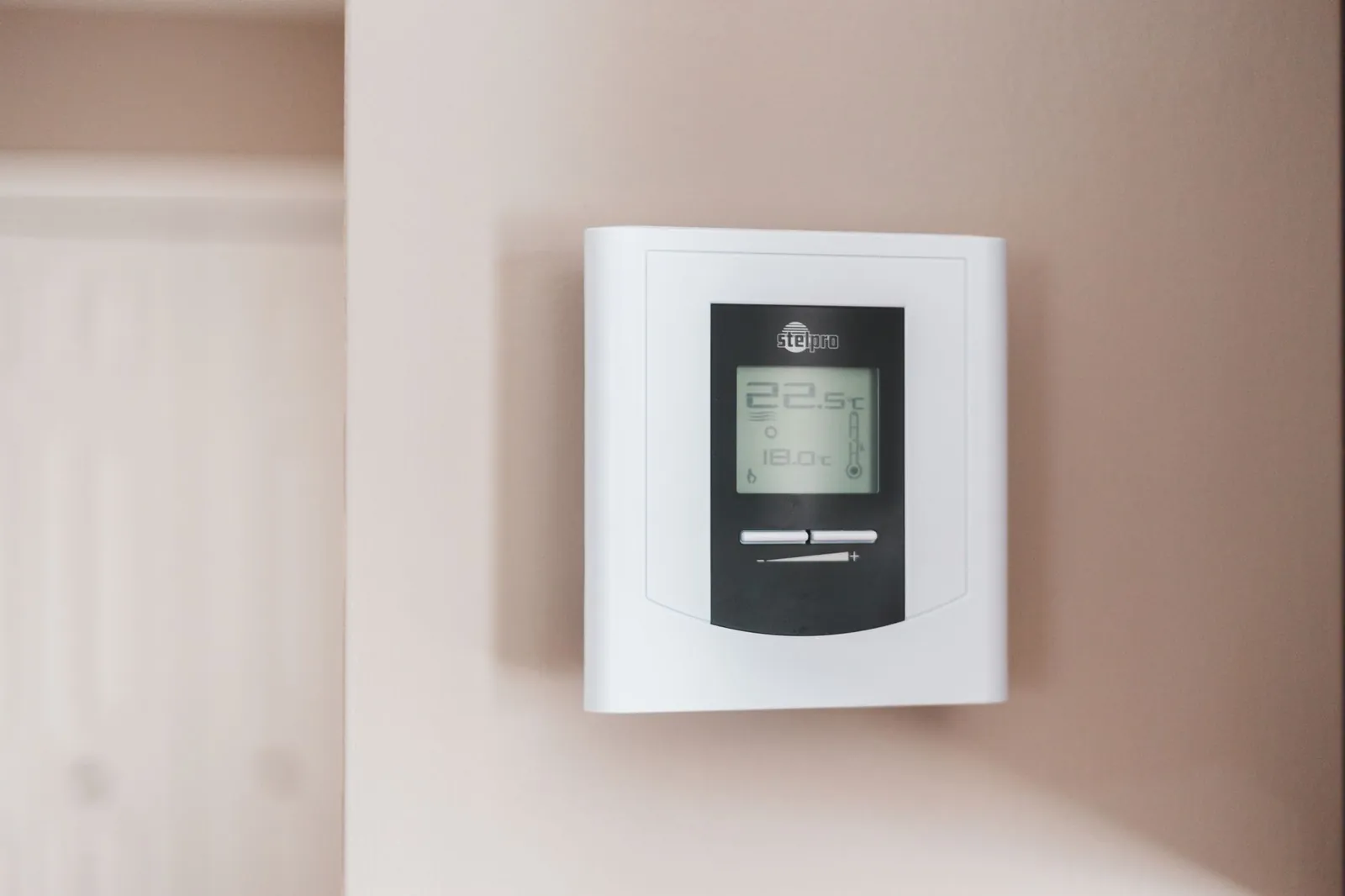
Smartphone control closes the gap between what you intended and what your thermostat is actually doing. You leave for a weekend trip and forget to lower the setpoint. With remote access, you can cut it by 5°F from your car before you hit the highway, eliminating two days of unnecessary conditioning. Without it, your system runs at full comfort settings until you return.
The same logic applies in reverse: if you’re heading home early, you can start cooling or heating before you arrive rather than arriving to an uncomfortable house and cranking the system harder to compensate.
Real-Time Energy Monitoring
Most smart thermostats display heating and cooling runtime and estimate energy use—either in kilowatt-hours or as a cost projection based on your utility rate. That visibility changes behavior in ways a thermostat alone cannot. Seeing that a 2°F setpoint increase added 8% to last week’s runtime makes the comfort-versus-efficiency tradeoff concrete rather than abstract.
Usage reports identify peak waste
Weekly or monthly summaries show which days your system ran longest. If Tuesday used 40% more runtime than Monday under similar weather, there’s a reason worth finding—a window left open, a door seal failing, an unusually long hot shower cycle triggering the thermostat. This feedback loop is something a conventional programmable thermostat provides no version of.
Integration with Weather Data
Connected thermostats pull local forecasts and adjust preemptively. If today’s high is 65°F but tomorrow’s is 82°F, the thermostat may skip afternoon cooling today, knowing the cooler evening will naturally bring indoor temperature down. When a cold front is incoming, it can begin heating earlier and ramp up gradually rather than running the system hard to close a large temperature gap quickly—gradual ramp-up is generally more efficient than recovery from a large setback.
This feature delivers the most value in moderate climates with significant daily temperature swings. In Phoenix in July or Minneapolis in January, outdoor conditions vary less within a day, and the benefit narrows.
Factors That Determine Your Actual Savings
Climate and season
Homes in climates with distinct heating and cooling seasons—think the Midwest or Mid-Atlantic—have more hours per year where a setback saves meaningful energy. In climates that are consistently hot or cold, the thermostat runs at similar settings year-round and has less room to optimize.
Your current thermostat behavior
This is the single largest variable. If you already adjust a programmable thermostat twice daily and rarely leave your home unoccupied, smart automation adds little. If you set your thermostat once in October and don’t touch it until April, the automation gap is wide and savings will be proportionally larger.
Home insulation and HVAC efficiency
A poorly insulated home loses conditioned air quickly, forcing longer run times regardless of thermostat settings. An older, oversized, or single-stage HVAC system also limits savings because it consumes more energy per degree of conditioning and cycles inefficiently. Smart thermostats work best paired with well-sealed homes and modern variable-speed equipment.
Household size and occupancy patterns
Geofencing works cleanly when one person’s phone represents the whole household. In a four-person home where family members leave and return at different times, the thermostat stays in occupied mode most of the day—and the away-mode savings largely disappear. Manual scheduling is often a better fit for larger households.
A smart thermostat only saves energy if it adjusts your temperature more efficiently than you would; it can’t improve a system that’s already perfectly managed.
Comparing Smart Thermostat Types
| Feature | Learning Thermostat | Scheduled Thermostat | Basic Smart Thermostat |
|---|---|---|---|
| Automatic schedule creation | Yes | No | No |
| Geofencing | Yes | Often | Often |
| Remote app control | Yes | Yes | Yes |
| Energy usage reports | Yes | Limited | Limited |
| Voice control | Often | Often | Varies |
| Typical price | $200–$350 | $100–$200 | $60–$120 |
| Best for | Unpredictable schedules, maximum automation | Consistent routines, moderate budget | Basic remote control, tight budget |
Our verdict
Learning thermostats deliver the largest potential savings if your schedule varies week to week. Scheduled thermostats suit predictable routines and cost less upfront. For budget-conscious buyers, see our guide to the best smart thermostat on a budget. To weigh whether the investment pays off in your specific situation, read smart thermostat worth it: savings explained.
Installation and Compatibility
Before buying, confirm your system type—gas furnace, heat pump, electric resistance, or dual-fuel—and check the thermostat’s compatibility list. Some older systems use wiring configurations that newer thermostats don’t support, and many smart thermostats require a C-wire (common wire) for continuous power. Not all homes have one; some thermostat models include an add-a-wire adapter to work around the gap.
Installation typically takes 30–60 minutes for someone comfortable with basic low-voltage wiring. Incorrect wiring can damage the thermostat or the HVAC control board, so if you’re uncertain, the $75–$150 a technician charges is worthwhile insurance.
Frequently asked questions
How much money can I actually save with a smart thermostat?
Savings range from 10–23% on heating and cooling costs, depending on climate, current habits, and system efficiency. In a home spending $1,500 annually on heating and cooling, that’s $150–$345 per year. Payback periods typically run two to five years at those rates. Your exact savings depend primarily on how much energy your current behavior wastes—the wider that gap, the larger the return.
Do I need Wi-Fi for a smart thermostat to work?
No. Smart thermostats function as regular programmable thermostats without internet—they follow your set schedule and respond to manual adjustments. Without Wi-Fi, you lose remote access, geofencing, weather integration, and energy reports. Those features account for most of the savings potential, so a reliable home network matters if you want full benefit.
Can a smart thermostat work with a heat pump?
Yes, but compatibility varies by model. Heat pumps require specific thermostat logic to manage auxiliary heating stages and prevent short-cycling. Always verify the thermostat explicitly lists support for your heat pump type—air-source and ground-source systems have different wiring requirements. Incorrect pairing can reduce efficiency or trigger unnecessary auxiliary heat, raising rather than lowering your bill.
What happens if I lose Wi-Fi or my phone dies?
Your thermostat continues running on its programmed schedule without interruption. You simply can’t adjust it remotely until connectivity is restored. The device stores all settings and schedules locally, so temporary outages don’t affect operation.
Is a smart thermostat worth it if I already have a programmable thermostat?
It depends on whether you actually use the programming. If you actively maintain seasonal schedules on your current thermostat, the upgrade’s savings will be modest—you’ve already closed most of the efficiency gap. If you rarely adjust it, a smart thermostat’s automation and geofencing can deliver meaningful savings. Learning thermostats offer the most incremental value over a basic programmable model; scheduled smart thermostats offer less.

Dev has benchmarked laptops and phones for a decade and still reads the changelog before updating.