
This article may contain affiliate links. If you buy through them we may earn a commission at no extra cost to you.
A smart speaker splits its work between two places: a low-power chip inside the device that listens for your wake word, and cloud servers that do everything else. Audio only leaves the device after the wake word is confirmed—not before. Understanding that boundary explains most of what people want to know about how these devices work and what they record.
The Microphone Array and Wake Word Detection
Every smart speaker contains between two and eight microphones arranged in a circular or linear pattern. The array does two things: it captures your voice from any direction in the room, and it filters out competing sounds so the processor has a cleaner signal to analyze.
How the microphone array works
The microphones don’t all record identical signals. Because they’re physically separated—by centimeters, in most cases—each one picks up the same sound at a slightly different moment. The local processor measures those timing offsets to calculate where a sound originated, then mathematically amplifies audio from that direction while suppressing everything else. This technique is called beamforming.
If you’re standing to the left of the speaker, the left microphone receives your voice a few microseconds before the right one does. The processor uses that delay to lock onto you. It’s why smart speakers perform noticeably worse when a range hood, television, or dishwasher is running nearby—the beamforming algorithm has more competing signals to reject.
Wake word detection on the device
A dedicated low-power processor—separate from the main CPU—runs continuously, listening only for the wake word: “Alexa,” “Hey Google,” or “Hey Siri.” This chip runs a compact machine learning model trained specifically on that phrase. It does not transcribe or analyze any other speech.
When the wake word is detected with sufficient confidence—manufacturers target above roughly 90% probability to balance false positives against missed triggers—the device activates its indicator light and begins streaming the following audio to the cloud. Until that threshold is crossed, nothing leaves the device.
Local Processing and Cloud Communication
Once the wake word is confirmed, the speaker streams the subsequent audio to the manufacturer’s servers. The local chip’s job is done; the cloud handles everything from here.
What happens in the cloud
Cloud servers run automatic speech recognition (ASR) to convert your spoken words into text. “Play jazz music” becomes a text string. A natural language understanding (NLU) model then parses that text for intent and entities—here, the intent is “play music” and the entity is “jazz.” The system maps this to an action, retrieves the relevant content (a jazz playlist from Spotify or Amazon Music), and sends instructions back to the speaker.
The round trip typically takes 1–3 seconds. That range depends on your internet connection speed, current server load, and command complexity. Simple factual queries like “what time is it” can be answered locally on newer devices—the Echo Dot (5th gen) and Nest Audio both handle timers and alarms without a cloud round trip—which is why those responses feel nearly instant compared to music or shopping requests.
Why the cloud is necessary
Wake word detection stays local because it’s a narrow pattern-matching task that a small, efficient chip can handle continuously without overheating or draining a battery. Natural language understanding is a different problem entirely. Recognizing that “something warm” means you want the thermostat raised, not a blanket recommendation, requires models trained on billions of examples. Accessing real-time data—current weather, stock levels at a retailer, live sports scores—requires server infrastructure no consumer device can replicate locally.
A smart speaker’s wake word processor is intentionally kept simple so it can run 24/7 without draining battery or generating heat, while the cloud handles all the complex reasoning.
Voice Recognition and Natural Language Processing
Handling accents and speech variations
Speech recognition models are trained on millions of hours of recorded audio across accents, languages, and acoustic environments. Alexa supports English in US, UK, Indian, and Australian variants; Google Assistant supports 40+ languages. Recognition accuracy drops measurably for non-native speakers and for regional accents underrepresented in training data—this is a known limitation that manufacturers address by collecting more data over time, which is one reason they retain recordings by default.
Context and conversation flow
When you say “play jazz,” then follow up with “turn it down,” the system must resolve “it” as the music currently playing. Smart speakers maintain a short-term conversation context—typically 30–60 seconds—on the cloud server to handle these follow-up commands. That context is discarded after the session ends, not stored as part of your permanent history.
Privacy: What Data Is Stored and for How Long
Audio recording and retention
The three major platforms handle retention differently:
| Platform | Default retention | User controls |
|---|---|---|
| Amazon Alexa | Indefinite (recordings + transcripts) | Manual delete; auto-delete at 3 or 18 months |
| Google Assistant | 18 months (stored in Google Account activity) | Manual delete; auto-delete at 3 or 18 months |
| Apple Siri | Audio deleted after processing by default | Opt-in retention for quality improvement only |
How to limit data collection
Every smart speaker ships with a physical mute button that cuts power to the microphone circuit. When muted, the device cannot detect the wake word—it is not a software toggle that the operating system could override. Beyond muting, the manufacturer’s app lets you review and delete stored recordings, revoke third-party skill permissions, and, on some devices, disable a camera with a physical shutter. These settings are worth reviewing after initial setup, because the defaults favor data collection over privacy on Amazon and Google devices.
Network Connectivity and Smart Home Control
Most smart speakers connect to your router over 2.4 GHz or 5 GHz Wi-Fi; many also support Bluetooth for direct pairing with headphones or phones. The Wi-Fi connection handles both cloud communication and local device control.
Local network control
When you ask the speaker to turn on a light, the command travels from the cloud back to your home network and then to the light’s receiver. If your internet connection drops but your local Wi-Fi is still running, some devices—particularly those using the Matter standard or local processing modes—can still respond to basic commands. Cloud-dependent features like music streaming, weather, and shopping will not work until the internet connection is restored.
Device compatibility
Smart speakers control third-party devices through platform integrations: Alexa Smart Home, Google Home, and Apple HomeKit. A light bulb certified only for Alexa will not appear natively in the Google Home app unless the manufacturer also supports Google’s ecosystem or the device uses Matter—an open standard backed by all three platforms that allows a single device to work across ecosystems without separate certification. See our smart speaker comparison guide for a breakdown of which platform supports the broadest device catalog.
Audio Output and Speaker Hardware
The speaker driver is electrically independent from the microphone array, which is why a smart speaker can stream music and simultaneously listen for the wake word—they are separate circuits. Audio returned from the cloud is decompressed and routed to an onboard amplifier, which drives the speaker cone.
Output quality scales predictably with price:
- $30–50: Single small driver, limited bass, adequate for voice responses and background listening in a small room.
- $80–150: Passive bass radiator added, sometimes stereo drivers; noticeably fuller sound at moderate volume.
- $200+: Multiple drivers with dedicated tweeters and woofers; can fill a 400+ sq ft room at high volume without distortion.
Processor Types and Device Variants
Standard smart speakers
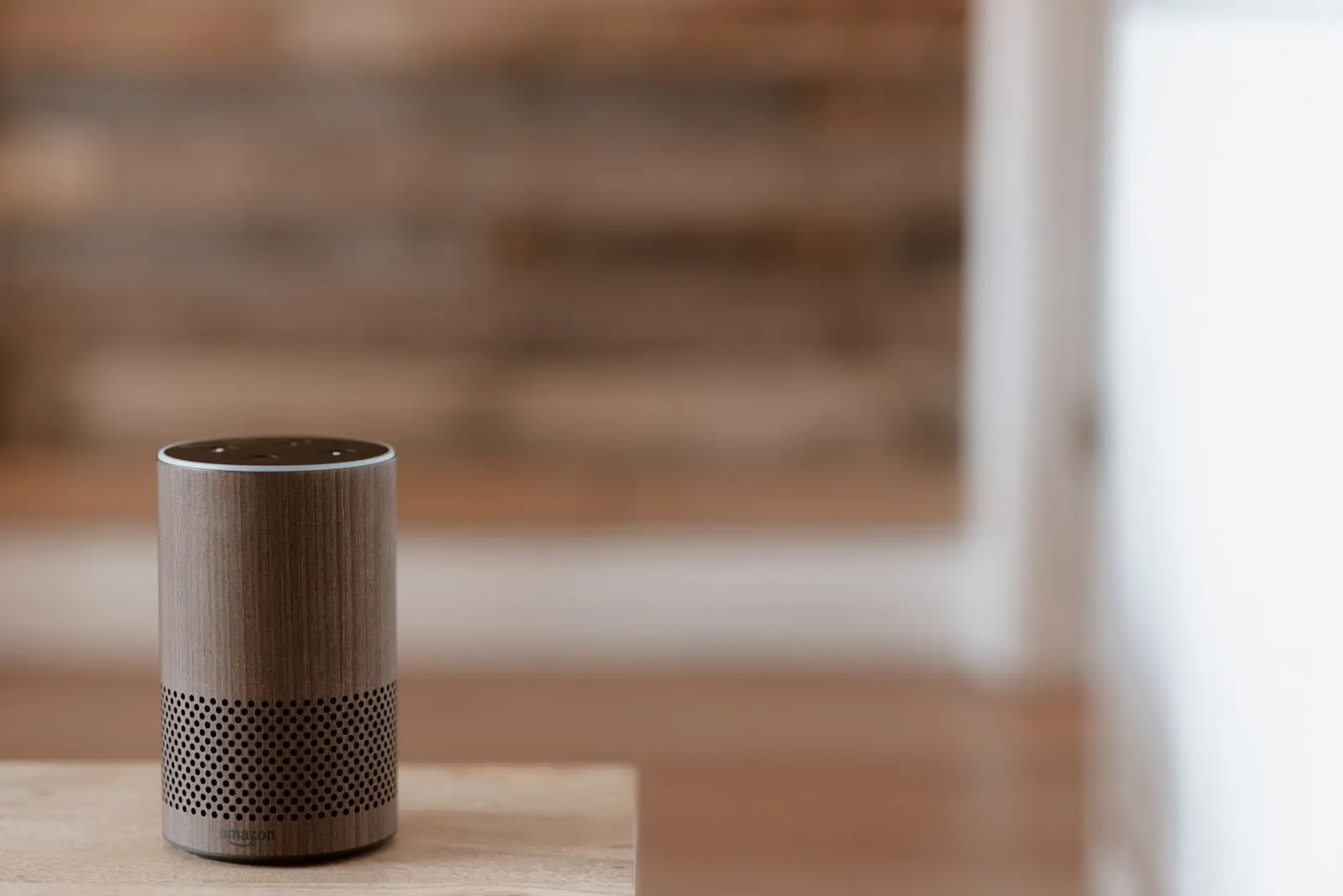
Cylinder-format speakers like the Amazon Echo and Google Nest Audio pack an ARM-based processor, microphone array, Wi-Fi radio, and speaker driver into a single enclosure. The processor runs a stripped-down operating system optimized for low latency on voice tasks rather than general computing.
Smart displays
Speakers with screens—the Echo Show line and Google Nest Hub—add a touchscreen that requires a faster processor to render graphics and handle touch input. The extra compute headroom also allows more tasks to run locally, reducing cloud round trips for visual responses like timers, calendar events, and video calls.
Smart speakers with cameras
Camera-equipped models like the Echo Show process video locally for features like motion detection and frame the subject, but send video streams to the cloud for calling features. Amazon’s Echo Show models include a physical camera shutter that blocks the lens entirely—it is not software-controlled.
Frequently asked questions
Does my smart speaker listen to everything I say?
The wake word processor listens continuously, but it recognizes only the wake word—it does not transcribe or store other speech. Recording begins only after the wake word is confirmed. That said, wake word detection is imperfect: similar-sounding phrases (“OK, who goes” has triggered “Hey Google” in documented tests) can cause accidental activations. If you want certainty, the physical mute button disables the microphone circuit entirely.
Can I use a smart speaker without an internet connection?
Most features require an active internet connection. Exceptions vary by device: the Echo Dot (5th gen) can set timers and alarms locally, and any smart speaker with Bluetooth can act as a wireless speaker for your phone without Wi-Fi. Music streaming, weather, smart home commands routed through the cloud, and shopping will not work offline.
How does the speaker know which room I’m in?
It doesn’t detect this automatically. You assign the speaker to a named room during setup in the manufacturer’s app, and that label is stored as metadata. The app uses it to scope commands like “turn off the lights in here” to devices assigned to the same room. If you move the speaker, you update the room assignment manually in the app.
Why does my smart speaker sometimes misunderstand commands?
Recognition errors come from four main sources: background noise that overwhelms beamforming, accents underrepresented in training data, ambiguous phrasing where multiple intents are plausible, and unusual proper nouns (artist names, street names) the model hasn’t seen often. The cloud model picks the highest-probability interpretation, which is correct most of the time but fails on edge cases. Manufacturers improve accuracy using aggregated, anonymized recordings—one reason they retain audio by default.
Which smart speaker is best for privacy?
Apple’s HomePod Mini deletes audio from its servers immediately after processing by default, with no long-term transcript storage unless you opt in. Amazon and Google retain recordings and transcripts indefinitely by default but provide deletion tools in their apps. If minimizing server-side data storage is the priority, HomePod Mini has the most conservative default policy of the three major platforms. See our smart speaker reviews for a fuller comparison of data practices alongside audio quality and ecosystem compatibility.

Lena writes about smart home, audio and the software settings nobody reads the manual for.


