This article may contain affiliate links. If you buy through them we may earn a commission at no extra cost to you.
If you own Amazon Prime and a mix of smart home brands, Alexa is the practical default. If your home runs on Google services—Calendar, Gmail, Nest—Google Assistant will integrate more cleanly. The two assistants overlap heavily on basics; the differences show up at the edges of each ecosystem.
Voice Recognition and Command Accuracy
Google Assistant handles natural phrasing better. You can say “remind me to call the dentist when I leave work” and it parses location-based context correctly. Alexa handles the same request but often needs it broken into two steps: set the reminder, then set the trigger.
Processing speed differs by design. Google handles basic commands—timers, volume, alarms—on-device, which cuts latency noticeably. Alexa routes most requests to Amazon’s servers, adding roughly 200–400 milliseconds. In practice, that gap is imperceptible for simple commands but can feel sluggish when chaining multiple instructions.
If you have a strong regional accent, test both before buying. Neither handles all accents equally well, and performance varies by command type rather than by assistant alone.
Smart Home Device Compatibility
Alexa’s ecosystem reach
Alexa supports roughly 140,000 smart home devices—lights, thermostats, locks, cameras, plugs—because Amazon opened its developer program early and broadly. If you own a mix of brands (Philips Hue, Ecobee, Wyze, TP-Link), Alexa almost certainly controls them without extra hubs. It uses Zigbee, Wi-Fi, or Bluetooth depending on the device.
Google’s tighter integration
Google Assistant works with approximately 90,000 devices. The number is smaller, but the Nest integration is deeper—Google owns the brand, so Nest thermostats, cameras, and doorbells connect without workarounds. Compatibility with budget or older third-party hardware is patchier than Alexa’s. Google devices use Thread, Matter, or Wi-Fi.
Both ecosystems now support the Matter standard, which should reduce lock-in over time—but check your specific devices before committing to either platform.
Shopping and Commerce Features
Alexa was built around voice commerce. Prime members can reorder groceries, household staples, and Subscribe & Save items by voice. If you use Amazon Fresh regularly, this saves real time. Google Assistant has no equivalent; it’s built around search and information retrieval, not purchasing.
If you rarely shop by voice or prefer other retailers, this Alexa advantage is irrelevant to your decision.
Sound Quality and Music Streaming
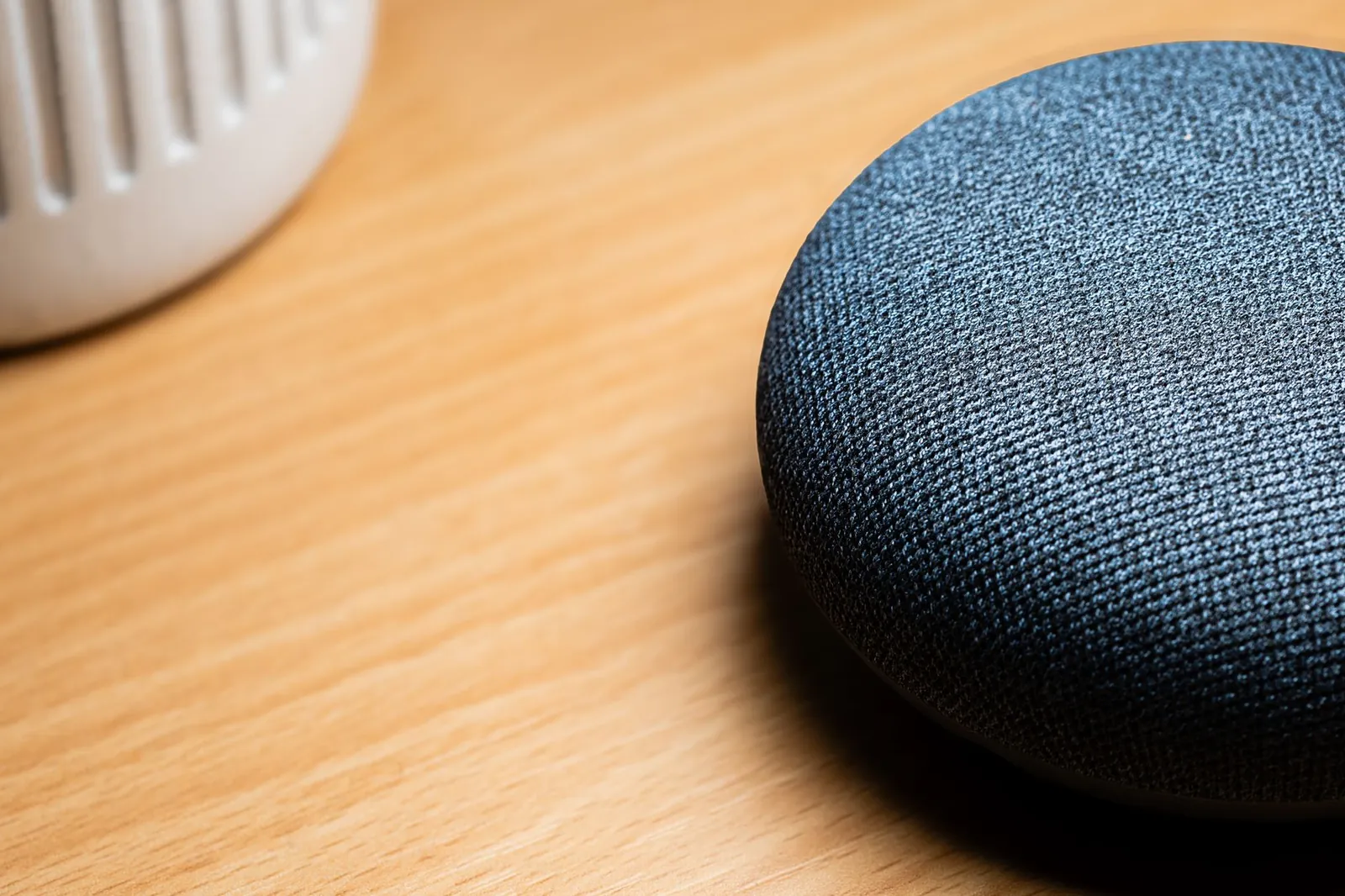
Speaker quality tracks device model, not assistant brand. An Echo Studio ($200, 330W total output, five-driver array) outperforms a Google Nest Audio ($100, 75W, two-driver). A Nest Hub Max ($230) beats an Echo Dot ($50) by a wide margin. Compare wattage and driver configuration, not logos.
Streaming service support is nearly identical across both platforms:
- Both support Spotify, Apple Music, Amazon Music, and YouTube Music natively.
- Alexa users get Amazon Music’s ad-supported tier free with Prime (limited catalog of about two million songs versus 100 million on the paid tier).
- YouTube Music is Google’s native default and requires a paid subscription ($10.99/month) for ad-free listening.
If you already subscribe to Spotify or Apple Music, neither assistant has a meaningful advantage.
Privacy and Data Handling
Both platforms record audio clips when they detect their wake word and store transcripts to improve recognition. You can delete recordings manually or set auto-delete at 3 or 18 months on both platforms. Alexa retains transcripts longer by default before auto-deletion kicks in; Google’s default deletion window is shorter.
Google’s on-device processing for basic commands means fewer audio clips leave your home at all. Neither assistant stops listening for the wake word without physically muting the microphone. Review each company’s current privacy policy—they change, and the details are not identical.
Price and Device Range
| Device Type | Alexa Example | Price (USD) | Google Equivalent | Price (USD) |
|---|---|---|---|---|
| Entry-level speaker | Echo Dot (5th Gen) | $50–60 | Google Home Mini | $50–60 |
| Mid-range speaker | Echo (4th Gen) | $100–120 | Google Home | $100–130 |
| Premium speaker | Echo Studio | $200 | Google Home Max | $400 (discontinued) |
| Display speaker | Echo Show 8 | $130–150 | Google Nest Hub Max | $230–250 |
| Portable option | Echo Pop | $40 | Nest Audio (not portable) | $100 |
Alexa’s device range is broader at the low end—the Echo Pop at $40 has no Google equivalent. Google’s lineup is smaller and skews toward the $100–250 range. Both platforms discount heavily during sales events: Alexa during Prime Day, Google during Google Store promotions.
Setup and Ecosystem Lock-in
Both require a smartphone app for initial setup and ongoing device management. The real lock-in is automation: once you’ve built routines—”good morning” sequences, room-by-room lighting scenes, calendar-triggered reminders—migrating them to the other platform means rebuilding from scratch.
Alexa ties tightly to Fire TV, Amazon Music, and Prime. Google ties to Gmail, Google Calendar, YouTube, and Google Photos. Devices compatible with both platforms (Philips Hue, for example) will work after switching, but you’ll reconfigure every integration manually.
Running both in the same home is straightforward—different rooms, different devices, no cross-communication. Some households use Alexa in the kitchen for shopping lists and Google in the bedroom for calendar briefings.
Our verdict
Choose Alexa if: You’re an Amazon Prime member, own smart home devices across multiple brands, or want voice shopping. See our best smart speaker with Alexa guide for ranked models by use case.
Choose Google if: You use Google Calendar, Gmail, or Nest products daily, or you want faster on-device processing and stronger natural language handling.
Before you buy: Read how smart speakers work and listen to understand wake-word detection and data handling in detail.
The best smart speaker is the one that controls the devices you already own—compatibility matters more than brand loyalty.
Frequently asked questions
Can I use Alexa and Google Assistant in the same house?
Yes. You can place an Alexa device in one room and a Google device in another. They operate independently and won’t control each other’s routines or settings. Some people do this to test both or use each where it fits best—Alexa in the kitchen for shopping, Google in the bedroom for calendar integration.
Which assistant is more accurate for voice commands?
Google Assistant generally ranks higher in third-party tests for understanding natural language and context. Alexa is nearly as capable but sometimes requires more specific phrasing. Accuracy also depends on background noise, your accent, and the specific command—neither is perfect in all scenarios.
Do I need a smart home hub to use either assistant?
No for basic voice commands and timers. Yes, if you want to control devices remotely or automate complex routines. Both Alexa and Google offer hub devices (Echo Show, Nest Hub) that enable these features. Some third-party devices also function as hubs—check compatibility before buying.
Which is cheaper to start with?
Both offer entry-level speakers for $50–60. Alexa has more options below that threshold—the Echo Pop at $40 is the lowest-cost entry point from either brand. Total cost depends on how many devices you add and whether you already subscribe to music services or Prime.
Can I switch from one assistant to another later?
Yes, but you’ll lose routines, automations, and smart home integrations tied to the old system. Devices compatible with both platforms (like Philips Hue lights) will work after switching, but you’ll need to reconfigure them. Switching is easiest before you’ve built complex automations—the more routines you have, the more painful the migration.

Dev has benchmarked laptops and phones for a decade and still reads the changelog before updating.