This article may contain affiliate links. If you buy through them we may earn a commission at no extra cost to you.
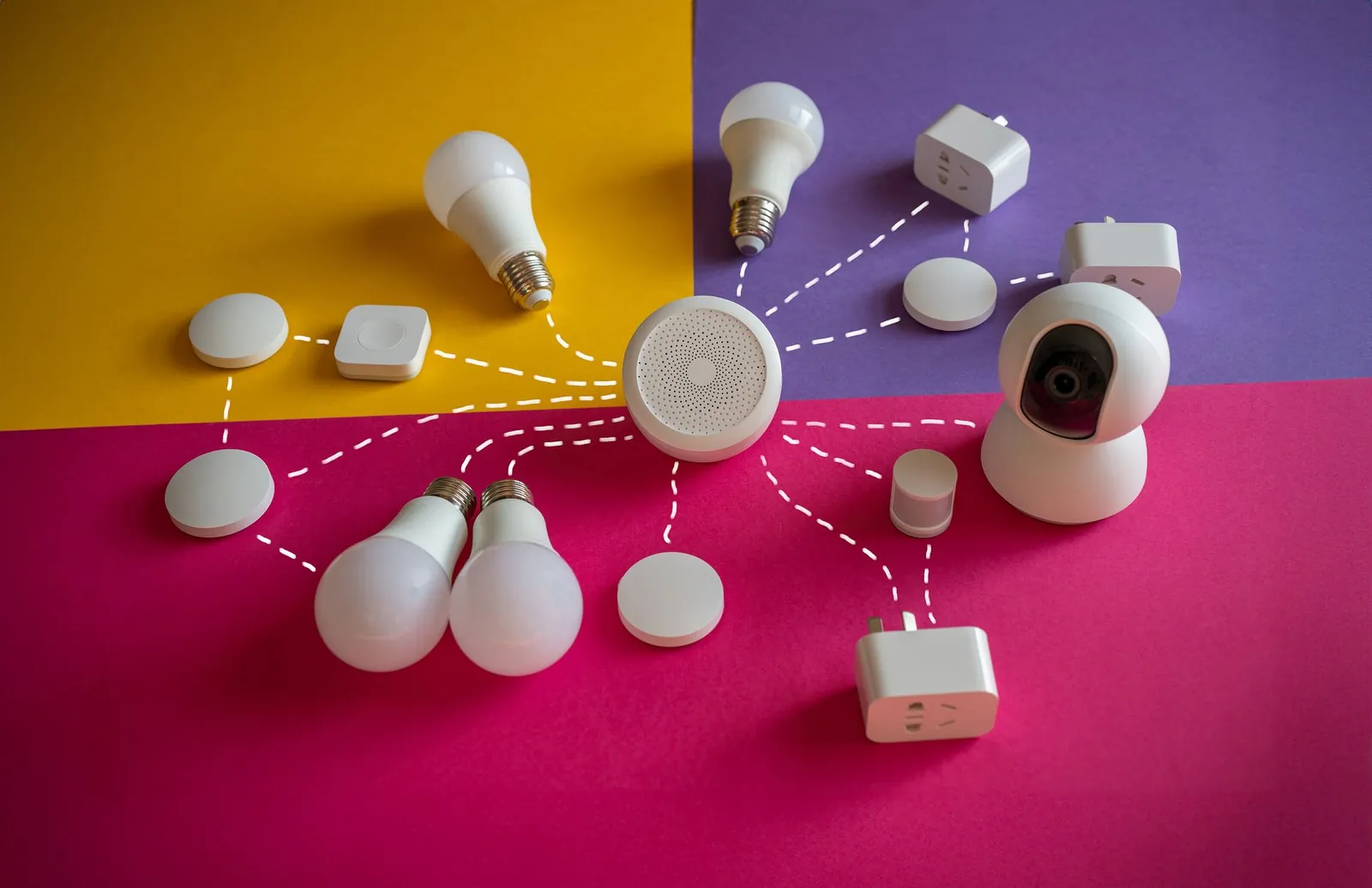
The right smart home hub comes down to three concrete factors: which wireless protocols your existing devices use (Zigbee, Z-Wave, Thread, or Wi-Fi), whether your automations need to survive internet outages, and how complex your rules will get. The four hubs below cover every realistic use case, from a $70 multi-protocol option to a $150 fully local processor with no cloud dependency.
Apple HomePod mini: Best for Apple device owners
At $99, the HomePod mini doubles as a speaker and a HomeKit hub. It processes automations locally on-device, so a sunset lighting rule or a door-lock schedule runs even when your router is offline. Thread support is built in, creating a self-healing mesh that reliably reaches accessories 100 feet or more from the hub.
What works here
- Local automation processing with no cloud dependency for standard rules
- Thread mesh networking for reliable range to distant accessories
- Siri voice control woven directly into automation triggers
- End-to-end encryption on all device data
What doesn’t
- HomeKit’s certified device catalog is smaller than what Zigbee or Z-Wave hubs can reach
- Remote access requires an Apple ID and an iCloud+ subscription (from $0.99/month)
- No native Zigbee or Z-Wave radio—every accessory must carry HomeKit certification
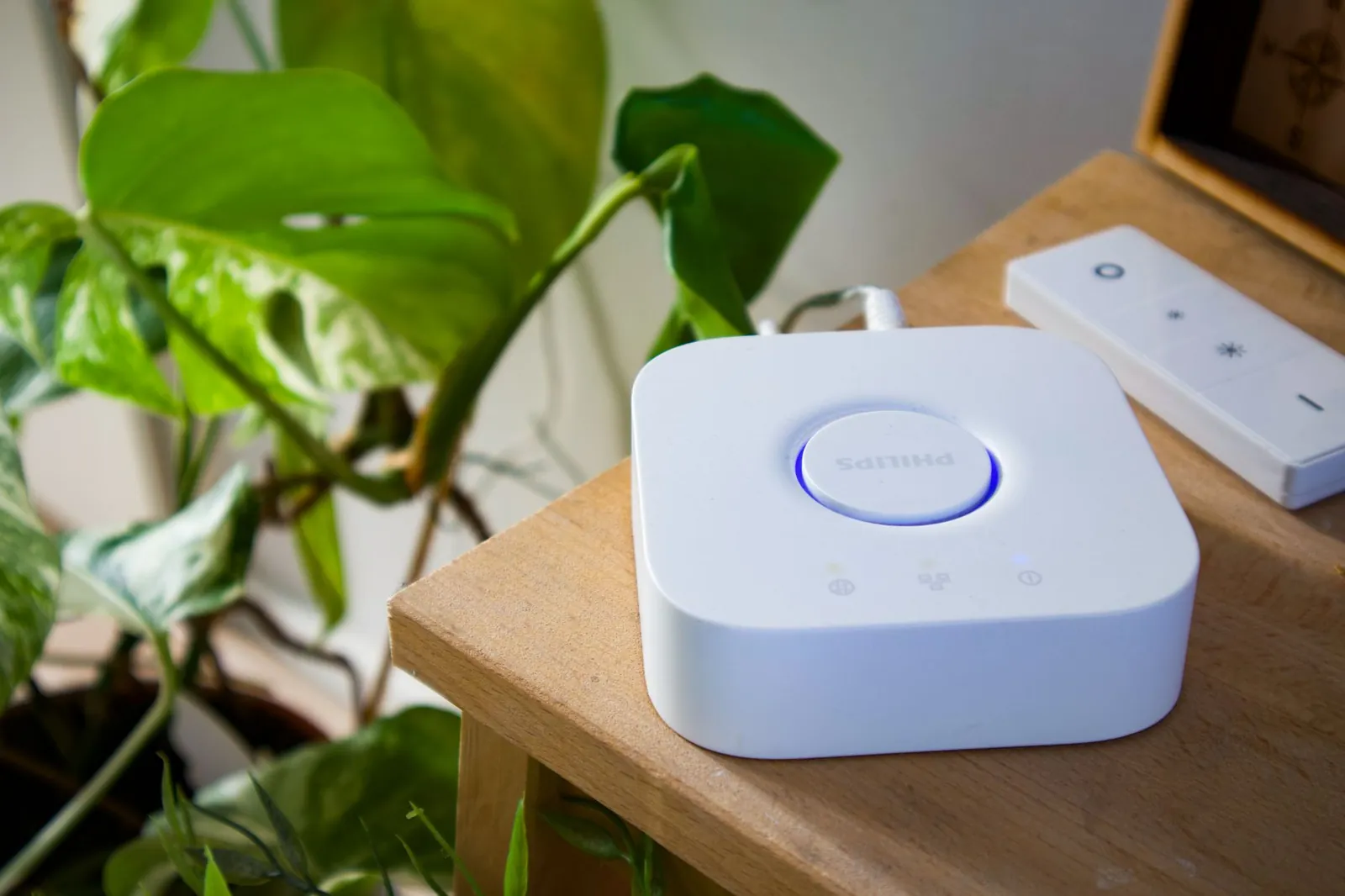
Samsung SmartThings Hub: Best for device diversity
The SmartThings Hub ($70) is the only option here with Zigbee, Z-Wave, and Wi-Fi radios in a single device. That combination lets you pair a $12 Zigbee motion sensor, a $60 Z-Wave deadbolt, and a Wi-Fi thermostat inside one automation without a protocol bridge. Local processing is available but requires a manual configuration step in the app; once set, those automations run offline.
What works here
- Three wireless protocols in one hub—no separate bridges needed
- Thousands of certified accessories across brands and price points
- Automations survive internet outages after local processing is enabled
- No subscription for core hub functions
What doesn’t
- The mobile app surfaces too many options at once, which slows initial setup
- Enabling local automation takes more steps than Apple Home’s automatic approach
- Remote access has shown reliability gaps in regions outside North America and Europe
Amazon Echo (4th Gen) with Zigbee: Budget entry point with real limits
The 4th-generation Echo ($99) includes a Zigbee radio, which lets it pair directly with Zigbee bulbs and sensors without a separate bridge. That’s where its hub credentials stop. It has no Z-Wave radio, so Z-Wave locks and sensors are out. More critically, nearly all Alexa routines run on Amazon’s cloud servers—an internet outage kills your automations entirely.
What works here
- Low barrier to entry if you already use Alexa for voice control
- Zigbee support covers hundreds of budget-friendly sensors and lights
- Straightforward routine builder for simple device commands
What doesn’t
- No local automation processing—every routine requires a live cloud connection
- No Z-Wave support cuts off a large category of locks, sensors, and switches
- Amazon’s subscription roadmap for Alexa features is uncertain
Hubitat Elevation: Best for advanced automation
Hubitat Elevation ($150) is the only hub here built around the premise that the cloud should never be involved. Automations run on its onboard processor, it supports both Zigbee and Z-Wave, and its visual rule builder handles conditional logic—if motion is detected and lux is below 50, turn on the kitchen lights at 40% brightness—without any coding. There are no feature tiers or subscription paywalls.
What works here
- 100% local processing—automations run with no internet connection at all
- Conditional rule logic (multiple if/and/or conditions) without scripting
- No subscription; all automation features are included at purchase
- Open architecture integrates with Home Assistant and other platforms
What doesn’t
- Initial configuration takes longer than Apple or Samsung—expect 1–3 hours for a full setup
- Fewer plug-and-play integrations with consumer cloud services
- No built-in microphone or voice control; you’d pair it with a separate Alexa or Google device
Comparison table
| Hub | Price | Protocols | Local Automation | Subscription | Best for |
|---|---|---|---|---|---|
| Apple HomePod mini | $99 | HomeKit, Thread | Yes | Optional (iCloud+) | Apple ecosystem |
| Samsung SmartThings | $70 | Zigbee, Z-Wave, Wi-Fi | Yes (requires setup) | No | Device diversity |
| Amazon Echo 4th Gen | $99 | Zigbee only | No | No (for now) | Budget Alexa users |
| Hubitat Elevation | $150 | Zigbee, Z-Wave | Yes | No | Advanced automation |
Local automation processing matters: when your internet drops, your lights still turn on at sunset and your door still locks at night.
How to choose the right hub
Check what devices you already own
Pull up the spec sheet for your thermostat, locks, lights, and sensors and look for the wireless protocol. All HomeKit-certified gear points to the HomePod mini. A mix of Zigbee sensors and Z-Wave locks points to SmartThings or Hubitat. The protocol your devices use determines which hubs are even compatible—no hub can bridge that gap through software alone.
Decide on local vs. cloud automation
If your automations control security devices—door locks, alarm sensors, exterior lights—cloud dependency is a real liability. A 30-minute ISP outage means your door doesn’t lock at midnight. If you only use smart home features for convenience (adjusting a thermostat via app), cloud dependency is a minor inconvenience rather than a failure mode.
Plan for growth
Count your current devices, then estimate 18 months out. Five devices today often becomes 12–15 once you add motion sensors, smart plugs, and door locks. Zigbee devices typically cost 30–50% less per unit than Z-Wave equivalents, so hubs supporting both give you more flexibility to scale on a budget.
Factor in your technical comfort
Apple Home and SmartThings guide you through setup with consumer-friendly apps. Hubitat’s interface assumes you’re comfortable reading event logs and editing rule conditions. If you’ve never written a home automation rule before, start with Apple or Samsung—you can always migrate Zigbee and Z-Wave devices to Hubitat later without replacing the hardware.
Setting up your first hub
Physical setup for any of these hubs runs 15–30 minutes: plug in the hub, install the app, connect it to your network, then pair devices individually. The time investment comes from writing automations. A single rule (lights on at sunset) takes two minutes; a multi-condition rule (motion detected + time after 10 p.m. + lux below threshold) can take 20 minutes to test properly.
Start with one simple automation before layering complexity. It shows you how your hub handles timing and device state—knowledge you’ll need when a more complex rule behaves unexpectedly. For a full walkthrough, our automation setup guide covers the process for each hub type.
Our verdict
Choose the Apple HomePod mini if your household runs on iPhones, iPads, or Apple Watches and you want the simplest path to reliable local automation. Choose Samsung SmartThings if you have or plan to buy devices across multiple brands and protocols—it’s the most flexible hub at the lowest price. Choose Hubitat Elevation if local processing and unlimited automation complexity matter more than ease of setup. The Amazon Echo 4th Gen works as a Zigbee bridge for simple lighting but falls short as a dedicated automation hub: no Z-Wave, no local processing, and full cloud dependency make it a poor foundation for anything beyond basic voice commands.
Frequently asked questions
Do I actually need a smart home hub?
Only if you want automations—rules that trigger without you opening an app. Manual control through individual device apps doesn’t require a hub. But automations like lights turning on at sunset or doors locking at a set time need a hub to run them reliably and, ideally, locally.
Can I use multiple hubs in one home?
Yes, but it adds complexity. A common setup is one primary hub for automations and a secondary device (like an Echo) for voice control in a specific room. Most homes with under 30 devices run fine on a single hub covering the whole space.
What’s the difference between Zigbee and Z-Wave?
Both are low-power mesh protocols where each device repeats signals to extend range. Z-Wave operates on a less congested frequency (908 MHz in the US) and tends to be more interference-resistant, but devices cost more—typically $40–$80 for a switch versus $15–$40 for Zigbee equivalents. Zigbee’s larger device catalog and lower price per unit make it the more common choice for sensors and lighting.
Will my automations work if the internet goes down?
Only with hubs that process automations locally. The HomePod mini and Hubitat do this by default. SmartThings does it after you enable local processing in settings. The Amazon Echo does not—every routine requires a live connection to Amazon’s servers. Check the hub’s local processing specs before buying if offline reliability is a priority.
Can I switch hubs later without replacing all my devices?
Zigbee and Z-Wave devices pair with any hub that supports those protocols, so switching hubs means re-pairing devices, not replacing them. HomeKit-certified devices are the exception—they only work with HomeKit hubs. Starting with the HomePod mini and later moving to SmartThings or Hubitat would require replacing any HomeKit-only accessories with Zigbee or Z-Wave equivalents.

Lena writes about smart home, audio and the software settings nobody reads the manual for.