This article may contain affiliate links. If you buy through them we may earn a commission at no extra cost to you.
If your home is under 2,000 square feet with a central spot for a router, a single router handles the job for $50–$300. If you have dead zones, a multi-story layout, or a floor plan wider than it is deep, a mesh system will outperform any single router you can buy—at a higher upfront cost. Here’s what actually separates the two.
How mesh WiFi and traditional routers differ
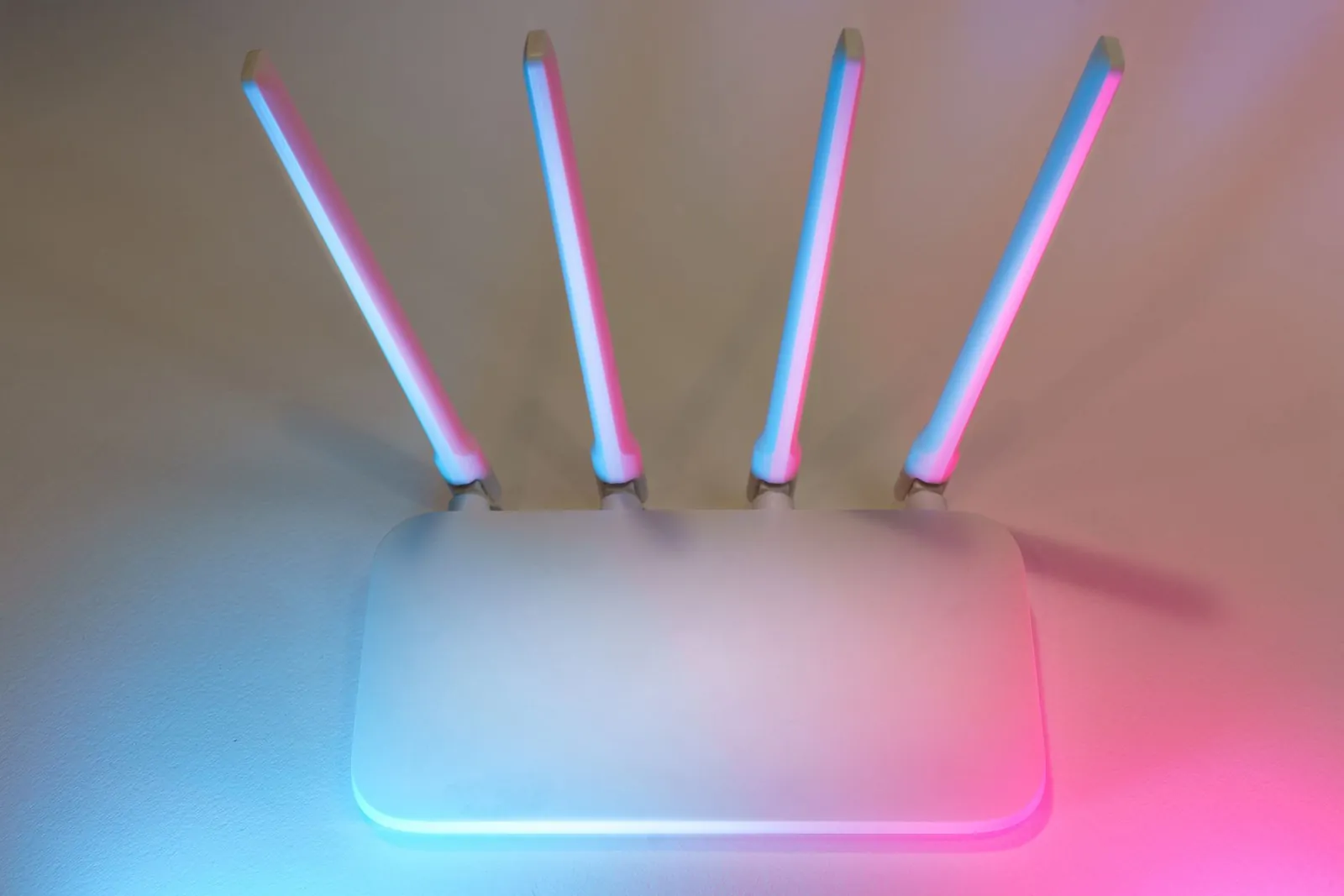
A traditional router is one device. Every connected device talks directly to it, and signal strength drops with distance and obstacles. A mesh system replaces that single point with multiple nodes—each broadcasting the same network name—placed around your home. Your phone or laptop hands off between nodes as you move, without dropping the connection or requiring you to switch networks manually.
The practical consequence: with a traditional router, a device in a far bedroom might see 150 Mbps while one next to the router sees 600 Mbps on the same plan. With mesh, both devices connect to their nearest node and the gap narrows substantially.
Coverage: Where each excels
Traditional router coverage
A mid-range router like the TP-Link Archer AX55 covers roughly 2,000–2,500 square feet in open space. Concrete walls, steel framing, and floor-to-ceiling tile can cut that by 30–50%. For apartments, small houses, or single-story homes where the router can sit centrally, one device is usually sufficient.
Mesh WiFi coverage
A two-node mesh system typically covers 3,000–5,000 square feet; three nodes extend that to 5,000–7,000 square feet. The Eero Pro 6E three-pack is rated for 6,000 square feet. Each node you add costs $80–$150, and placement matters more than quantity—two well-placed nodes beat three poorly placed ones.
Mesh systems excel when your home has dead zones; traditional routers work fine if one location reaches everywhere you need.
Speed and performance
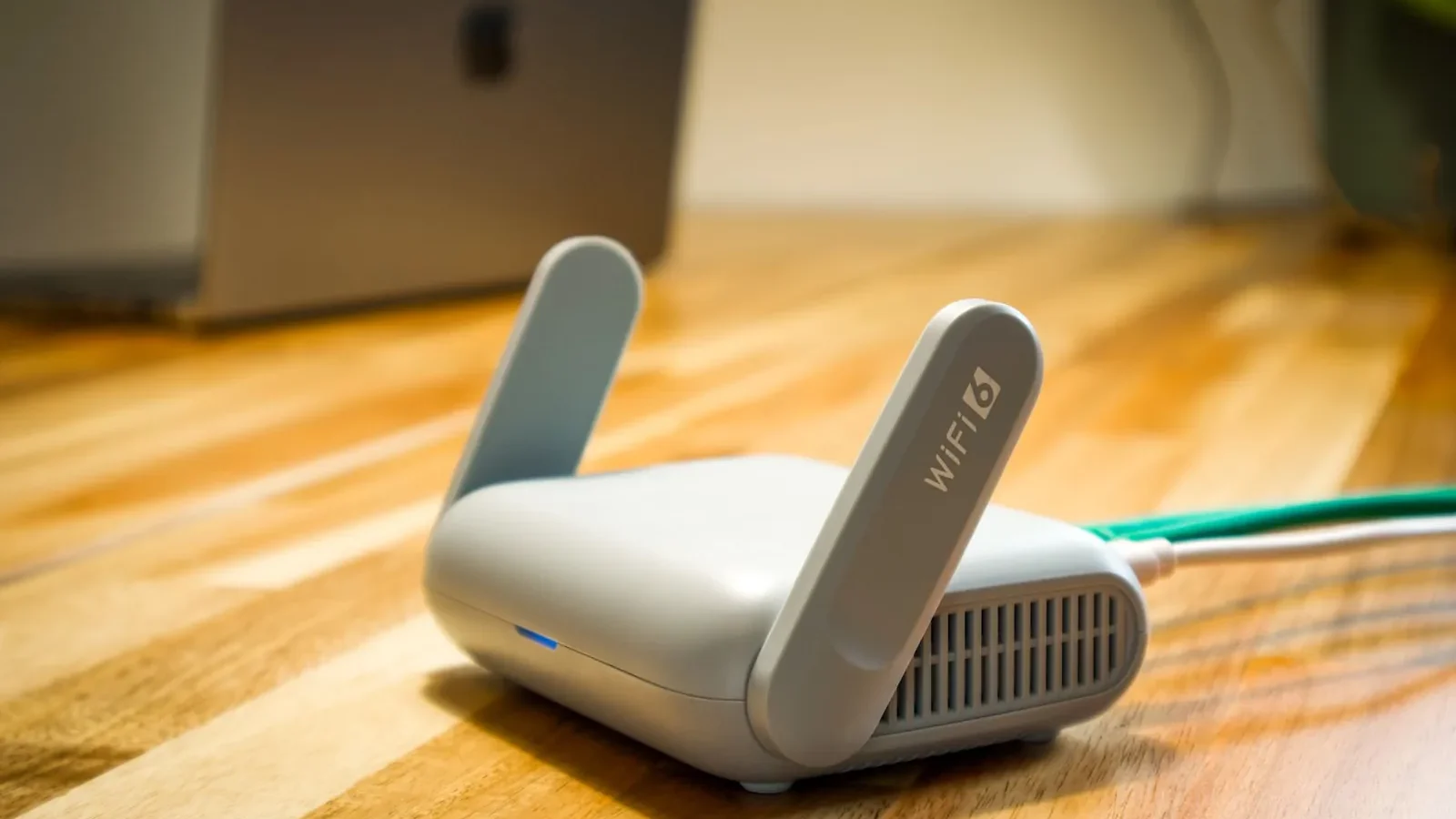
WiFi standard (WiFi 5 vs. WiFi 6) determines maximum throughput, not whether you use mesh or a single router. A WiFi 6 router and a WiFi 6 mesh node both deliver roughly 1–2 Gbps on the 5 GHz band under ideal conditions.
Where mesh changes the equation is consistency. Devices far from a single router experience slower speeds due to signal degradation; devices near a mesh node don’t have that problem. The trade-off is backhaul overhead—the traffic between nodes uses bandwidth. WiFi 5 mesh systems without a dedicated backhaul channel can lose 20–30% throughput on far nodes during heavy use. WiFi 6 mesh systems with dedicated backhaul (like Netgear Orbi RBK863S) reduce that loss to under 10% in most home environments.
Setup and ease of use
Traditional router setup
One device, one app, 10–15 minutes. If something breaks, there’s one thing to troubleshoot. The downside is equally simple: if that device fails or loses power, your entire network goes offline until it recovers.
Mesh setup
Modern mesh systems add maybe 10–15 minutes per additional node. Connect the primary node, open the app, add secondaries one at a time while the app guides placement. A two-node system typically takes 20–30 minutes total.
App-based management is where mesh pulls ahead. Most systems—Eero, TP-Link Deco, Google Nest WiFi Pro—let you pause internet per device, set schedules, and monitor connected devices from one screen. Traditional routers vary widely: premium models like the Asus ZenWiFi Pro have comparable apps, while budget routers often require logging into a web interface to change anything beyond the password.
Cost comparison
| Type | Entry-level | Mid-range | High-end |
|---|---|---|---|
| Traditional router | $50–$100 | $150–$300 | $300–$600+ |
| Mesh system (2 nodes) | $150–$250 | $250–$500 | $500–$1,200+ |
| Mesh system (3 nodes) | $200–$350 | $350–$700 | $700–$1,500+ |
The Eero 7 two-pack runs $150–$200 and covers most homes under 3,500 square feet. A high-end single router like the Asus ROG Rapture GT-AXE16000 costs $450–$600 but covers less area. Add a WiFi extender to plug dead zones—typically $50–$150—and the price gap with entry-level mesh closes fast. Expanding a mesh system later costs $80–$150 per node, versus replacing a router and adding multiple extenders, which rarely comes in cheaper.
Reliability and redundancy
A traditional router is a single point of failure. One crash, one power cut, and your network is down until it restarts.
With mesh, a failed node shrinks your coverage area but doesn’t kill the network. Devices connected to surviving nodes stay online. Systems like Eero also let you swap or add nodes without resetting the whole network—useful if you work from home or run smart-home devices that reconnect slowly after an outage.
When to choose each
Choose a traditional router if:
- Your home is under 2,000 square feet and you can place the router centrally
- Your budget is under $150
- You have fewer than 20 connected devices
- You want a single device to manage and troubleshoot
Choose mesh WiFi if:
- Your home is over 2,000 square feet or spans multiple stories
- You already have dead zones with your current router
- Devices need to stay connected as you move between rooms (video calls, streaming)
- Network uptime matters—remote work, smart-home devices, security cameras
- You want to expand coverage incrementally as your needs change
Our verdict
A traditional router is the right call for homes under 2,000 square feet where one central location covers every room—you’ll spend less and manage less. For larger homes, multi-story layouts, or any space where you’ve already added an extender and still have weak spots, mesh is worth the price difference. Entry-level mesh now starts at $150–$200, which is close enough to a mid-range router that the coverage and redundancy advantages tip the balance for most homes built after 2000.
Frequently asked questions
Can I use a mesh system with my existing router?
Most mesh systems replace your router entirely rather than supplement it. Some router lines—Asus AiMesh, Netgear Orbi—support adding compatible nodes to an existing device. Mixing brands rarely works reliably; stick with one manufacturer’s ecosystem. Check your router’s documentation before buying nodes separately.
Do mesh systems slow down your internet?
Not meaningfully if your internet plan is under 300 Mbps. Mesh adds minimal latency—typically under 5 ms. On gigabit plans or for competitive online gaming, choose a mesh system with WiFi 6 and a dedicated backhaul channel to avoid the 20–30% throughput loss that WiFi 5 mesh can introduce on nodes far from the primary unit.
Is WiFi 6 worth it for mesh or traditional routers?
WiFi 6 makes a practical difference if you have 20 or more connected devices, stream 4K to multiple TVs simultaneously, or work from home on video calls. For a household with a few laptops and phones doing casual browsing, WiFi 5 is sufficient. WiFi 6 hardware costs $150–$300 more but handles device congestion better and will remain relevant longer as client devices adopt the standard.
How many mesh nodes do I actually need?
Start with two: one as the primary router, one placed in or near the weakest-signal area. Most homes under 3,000 square feet work well with two nodes. Add a third only after testing placement of the first two—nodes placed too close together waste money and can cause interference rather than improve coverage.
Can I upgrade a mesh system later?
Yes, with most major systems. Eero, Netgear Orbi, and TP-Link Deco all support adding compatible nodes after initial purchase. Some budget or older systems require buying all nodes as a bundle. If future expansion is likely, confirm the product supports incremental node additions before you buy.

Lena writes about smart home, audio and the software settings nobody reads the manual for.